
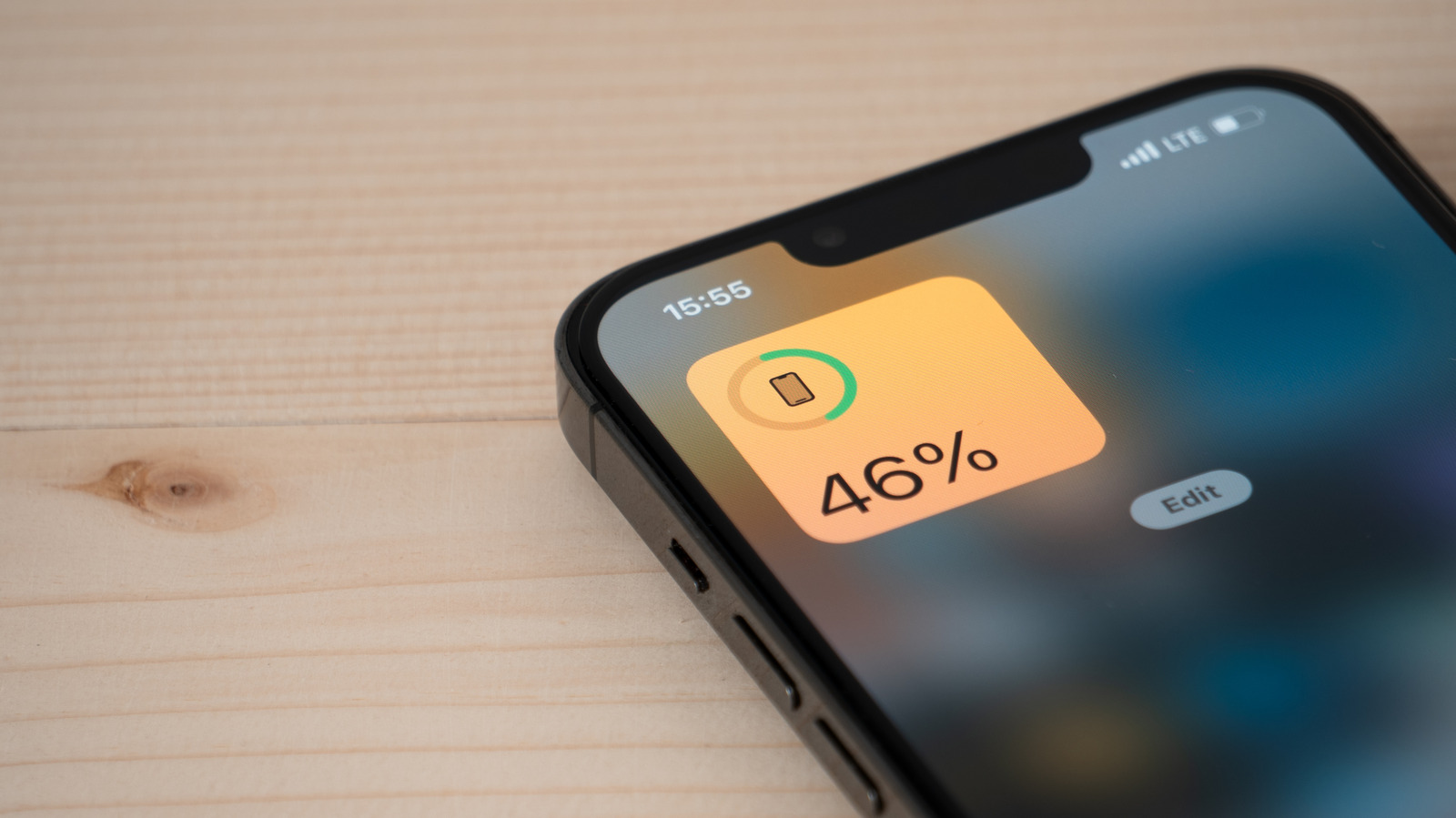
Some of the reasons why you’ve lost battery are out of your control, but knowing which apps are draining it can help your iPhone last until the end of the day. How to check which apps are draining your iPhone battery. Big Tech Apple How to check which apps are draining your iPhone battery Sometimes it’s good to know why your phone isn’t lasting a full day.
While this is mostly true, the way you use your phone can make it drain a lot quicker. Some apps can deplete the battery quickly without you even noticing. The good news is that iOS provides tools that let you check your iPhone’s battery usage.
Finding the apps that drain your iPhone battery Filipe Espósito for It all starts in the Settings app on your iPhone. Open it and look for the Battery menu — it’s the one with the green icon. It should be easy to find since it’s one of the first options in the list, near Wi-Fi and Cellular.
Discover more from ChuckysCarnage
Subscribe to get the latest posts sent to your email.

