
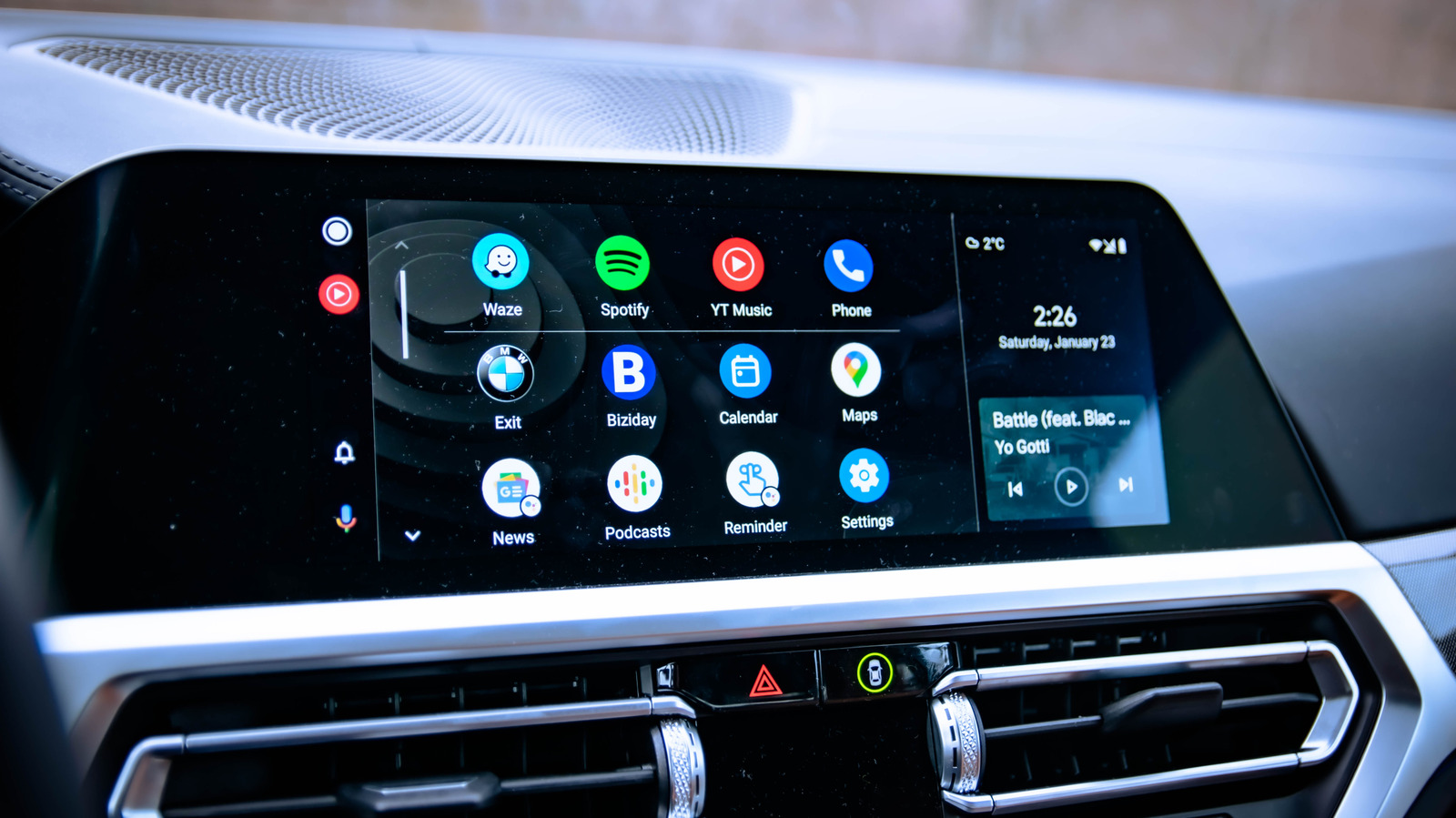
There’s a way to display any app on Android Auto, but it does present concerns about safety and reliability. How to sideload apps onto Android Auto. News EVs and Transportation How to sideload apps onto Android Auto You can unlock video streaming on your dashboard, but should you.
If you’ve ever wished you could stream YouTube through your dashboard or mirror your phone’s screen to your car display, you’re not alone. Sideloading lets you install apps that Google never approved for Android Auto, opening the door to features the platform doesn’t officially support right now. The process doesn’t require any crazy moves like rooting your phone, but it does come with trade-offs regarding security, reliability and safety.
By design, Google restricts what can run on your dashboard to cut down on driver distraction, which means no YouTube videos, no browser and no screen mirroring. It’s a sensible policy, but one that leaves plenty of drivers feeling like their car’s display is capable of a lot more than it’s being allowed to do. The whole process of sideloading apps on Android Auto is not that complicated, but you do need to go through a few steps to set things up.
First, you’ll need to enable Developer Mode on your phone.
Discover more from ChuckysCarnage
Subscribe to get the latest posts sent to your email.

