
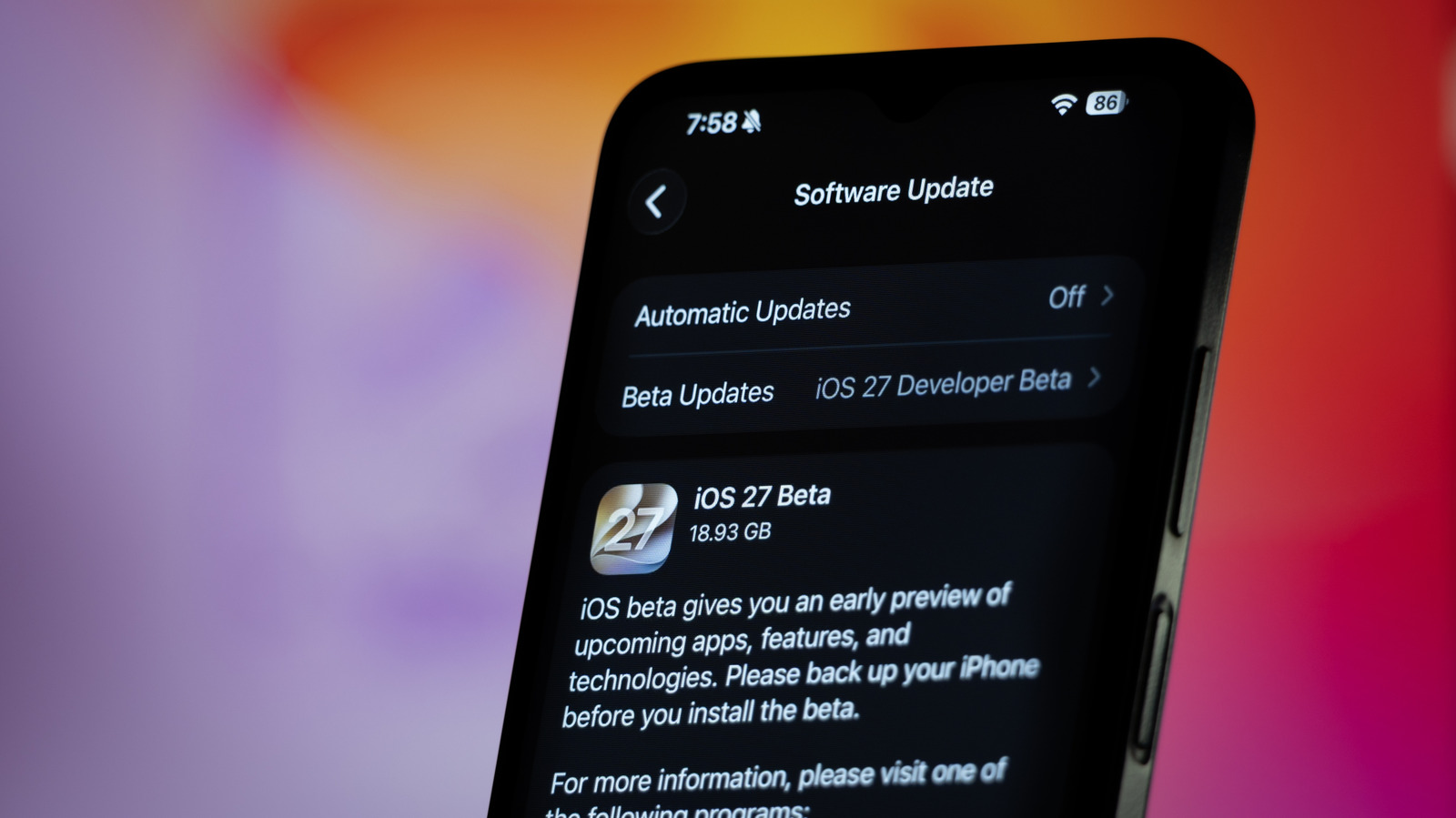
If you’re interested in installing an iOS beta on your device, you need to protect your data first with an important step that’s easy to forget. Installing an iOS public beta on your iPhone? Always do this first. Always do this first Installing an iOS beta can be a fun way to try the latest OS, but make sure you don’t miss this crucial step.
And although it isn’t released to the public until the fall, beta testers can get a sneak peek at the new features a bit earlier. As our iOS 27 preview found, there’s a lot to try out this year. The iOS 27 update comes with the long-awaited Siri AI and also improves Liquid Glass.
Installing the beta on your devices is pretty easy, but there’s an important step not everyone thinks about: creating a full backup. You never know when one of your favorite apps might run into problems with the untested OS. Or even worse, your iPhone might brick during the update.
Discover more from ChuckysCarnage
Subscribe to get the latest posts sent to your email.

