
Apple’s sound settings often meant you’d sleep through your iPhone alarm if you lowered the volume before you went to bed. With its new update, that is no more. How to make your iPhone’s alarm ring at full volume even when your calls are muted.
News Mobile Smartphones How to make your iPhone’s alarm ring at full volume even when your calls are muted No more sleeping through your alarm because you dared to turn down the volume before you went to bed. If you turned down the ringtone volume, chances are you’d probably oversleep the next morning. But, Apple seems to have listened to its users after many complaints and has finally added independent volume control for alarms and timers in iOS 27.
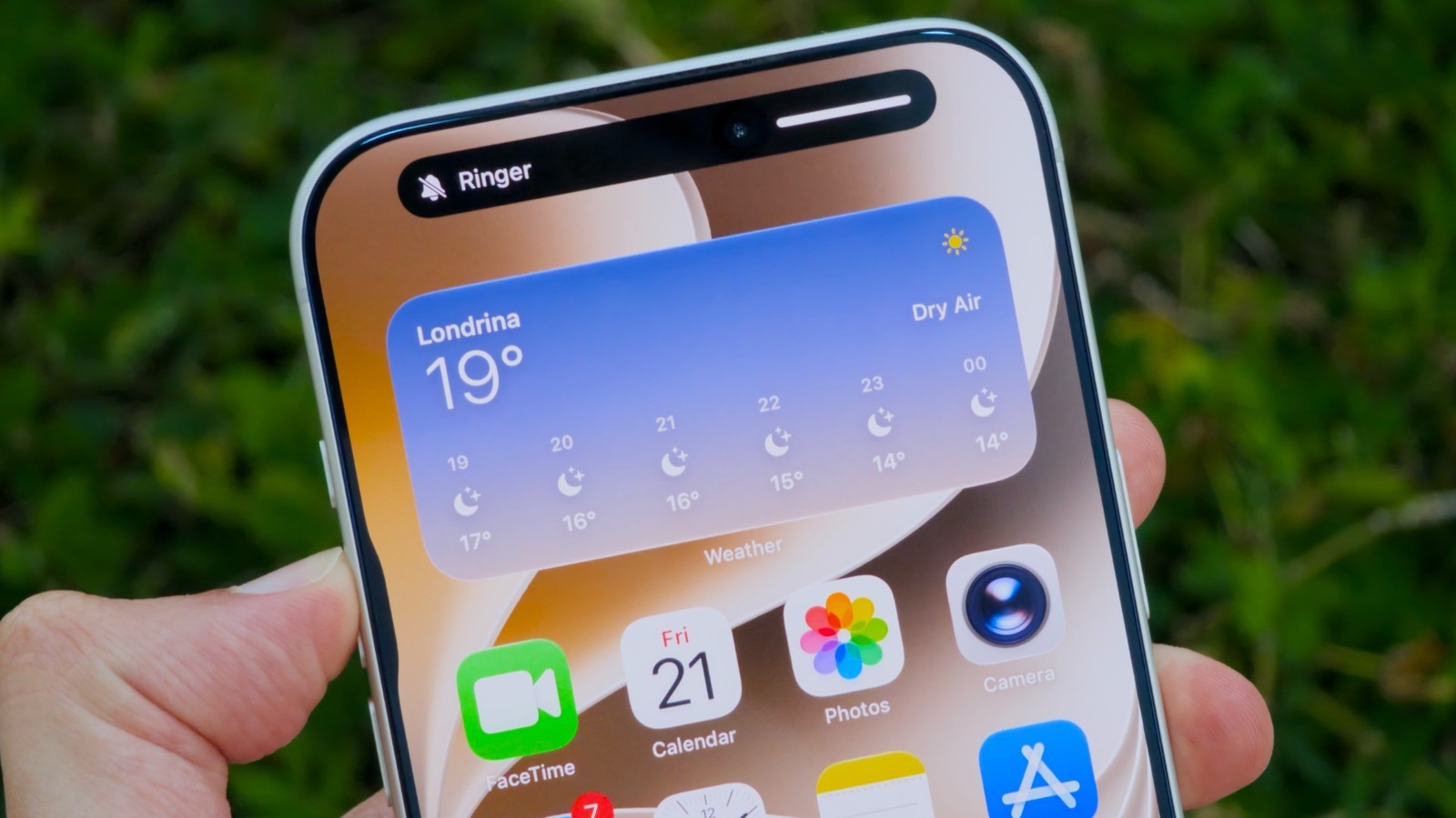
All you need to do is change a single setting on your iPhone — that is, of course, once you’ve updated your iPhone to the new operating system. Setting a separate alarm volume in iOS Filipe Espósito for It’s generally a good idea to set alarm sounds at a high volume, but have some flexibility with the volume level for ringtones and alerts. The good news is that iOS 27 adds more control over the volume of each part of the system.
You can now change this in the Sounds & Haptics menu within Settings on your iPhone. As you’ll see, there are many new options available.
Discover more from ChuckysCarnage
Subscribe to get the latest posts sent to your email.

