
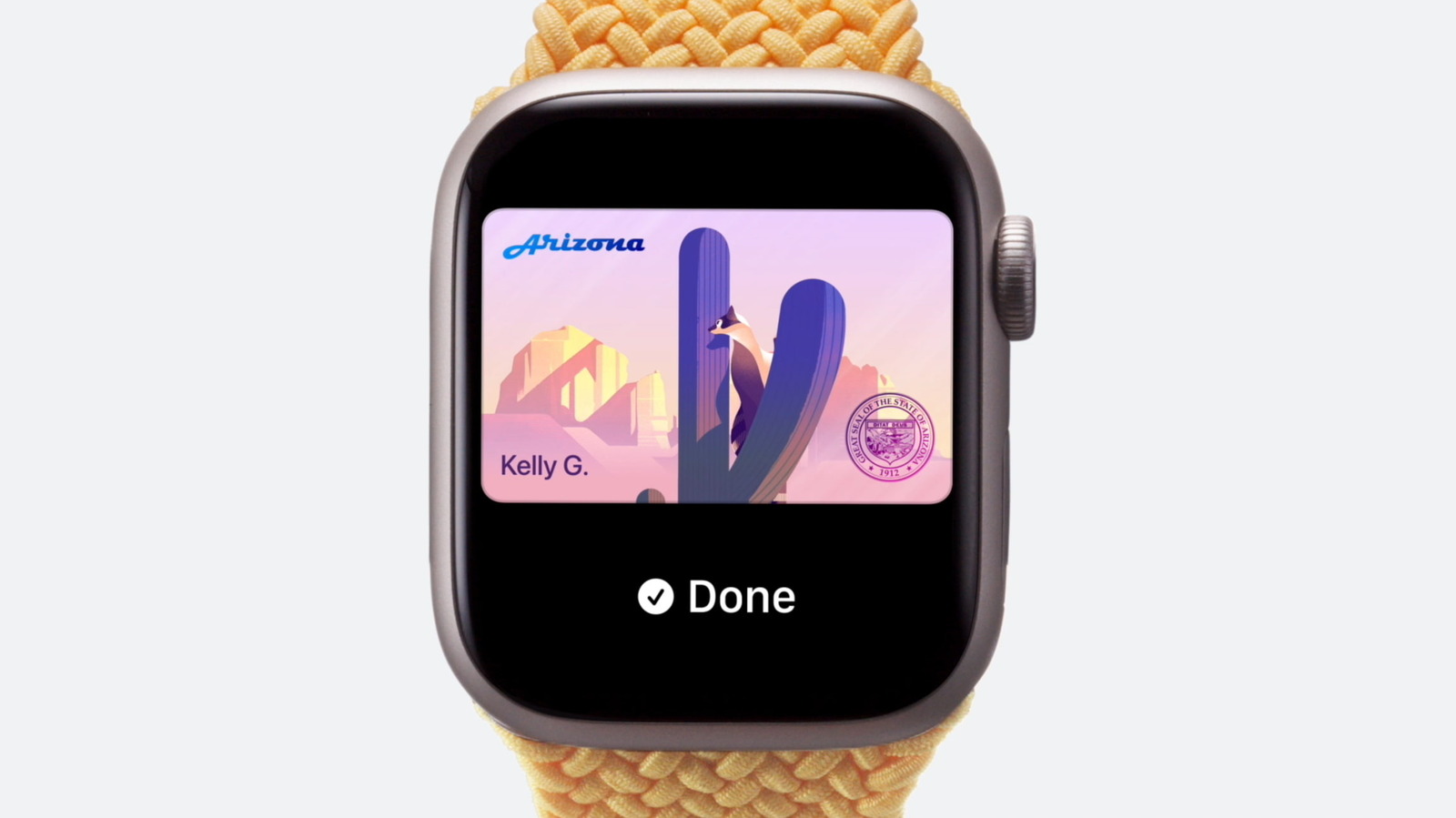
Your Apple Wallet can hold more than cards; those in certain states can also store a digital copy of their driver’s license. How to add your driver’s license to Apple Wallet and where you can use it. This can be useful in several ways, such as helping you zip through airport security checkpoints.
Along with adding a state ID or passport to Apple Wallet, there’s also the option to create a digital version of your driver’s license. Having a digital driver’s license means you won’t necessarily need to reach into your pocket, dig out your wallet and present your physical card when you need to prove your identity or age. Some businesses and venues (such as bars and restaurants) support these digital IDs, though this isn’t consistent or widespread yet.
Beyond the convenience factor, there’s a security consideration here too. Your digital driver’s license is encrypted and stored securely on your device. Apple says neither it nor the issuing authority can see where or when you share your digital ID.
Discover more from ChuckysCarnage
Subscribe to get the latest posts sent to your email.

