
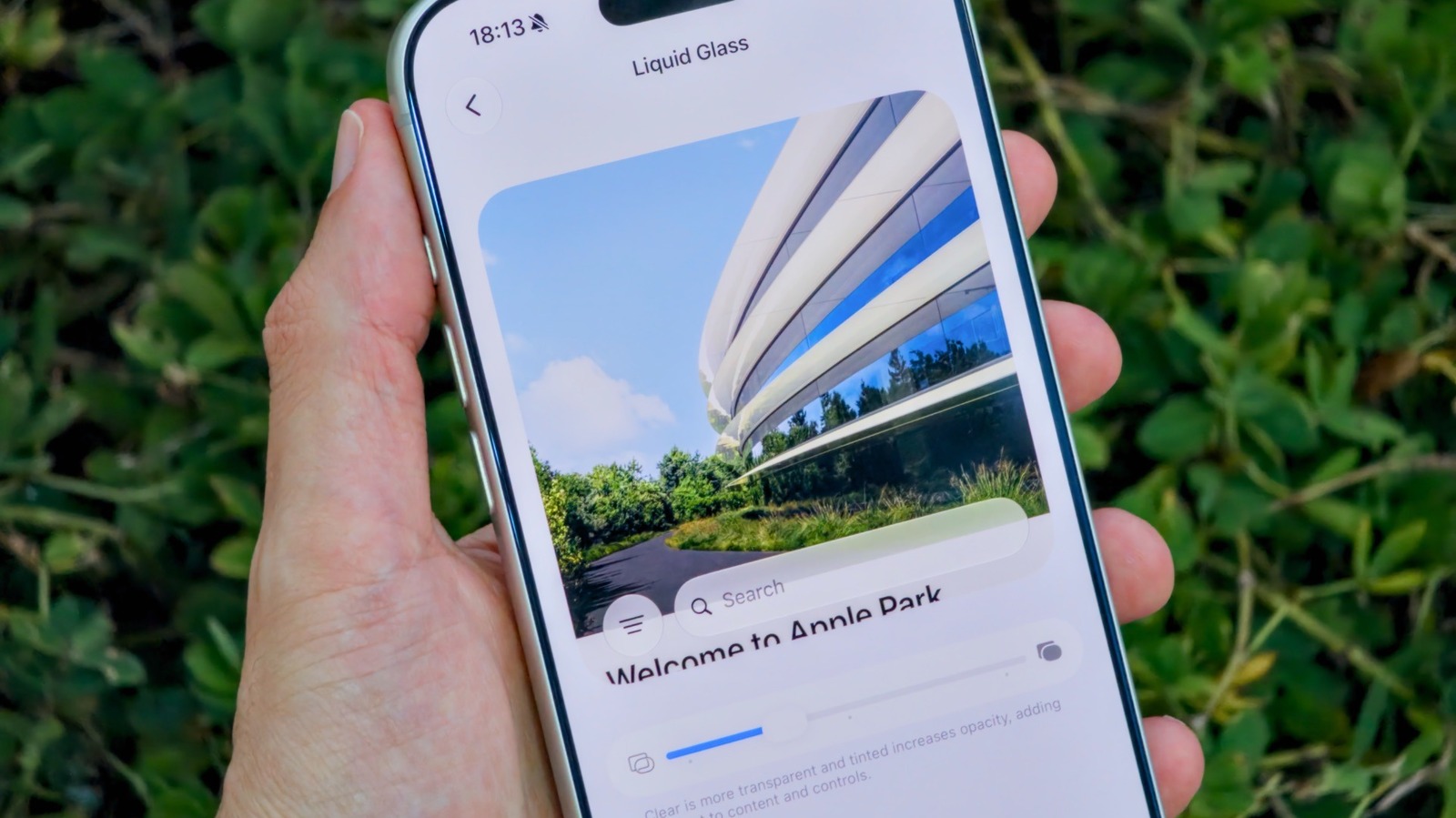
If you’ve never been satisfied with Liquid Glass on your Phone, then you’ll probably like some of the new customization options Apple offers in iOS 27. How to adjust the Liquid Glass effect on your iPhone with iOS 27. Big Tech Apple How to adjust the Liquid Glass effect on your iPhone with iOS 27 Apple’s new controls make it easier to set things just how you like them.
Some people love the glossy look, while others criticize it for reducing readability. Apple quickly became aware of this after it launched and introduced new ways of adjusting the Liquid Glass effect in iOS 26.1. Dubbed Tinted Mode, the feature reduces the opacity of Liquid Glass and increases its contrast.
Still, that wasn’t enough to satisfy frustrated users who continued to complain about Apple’s modern design language. An even bigger update to Liquid Glass arrived with the release of iOS 27. If you’ve never been satisfied with the Tinted or Clear options on your iPhone, then you’ll probably like Apple’s latest update.
It adds a much-requested slider for making Liquid Glass more readable and customizable, putting you in more control over how iOS looks and feels.
Discover more from ChuckysCarnage
Subscribe to get the latest posts sent to your email.

