
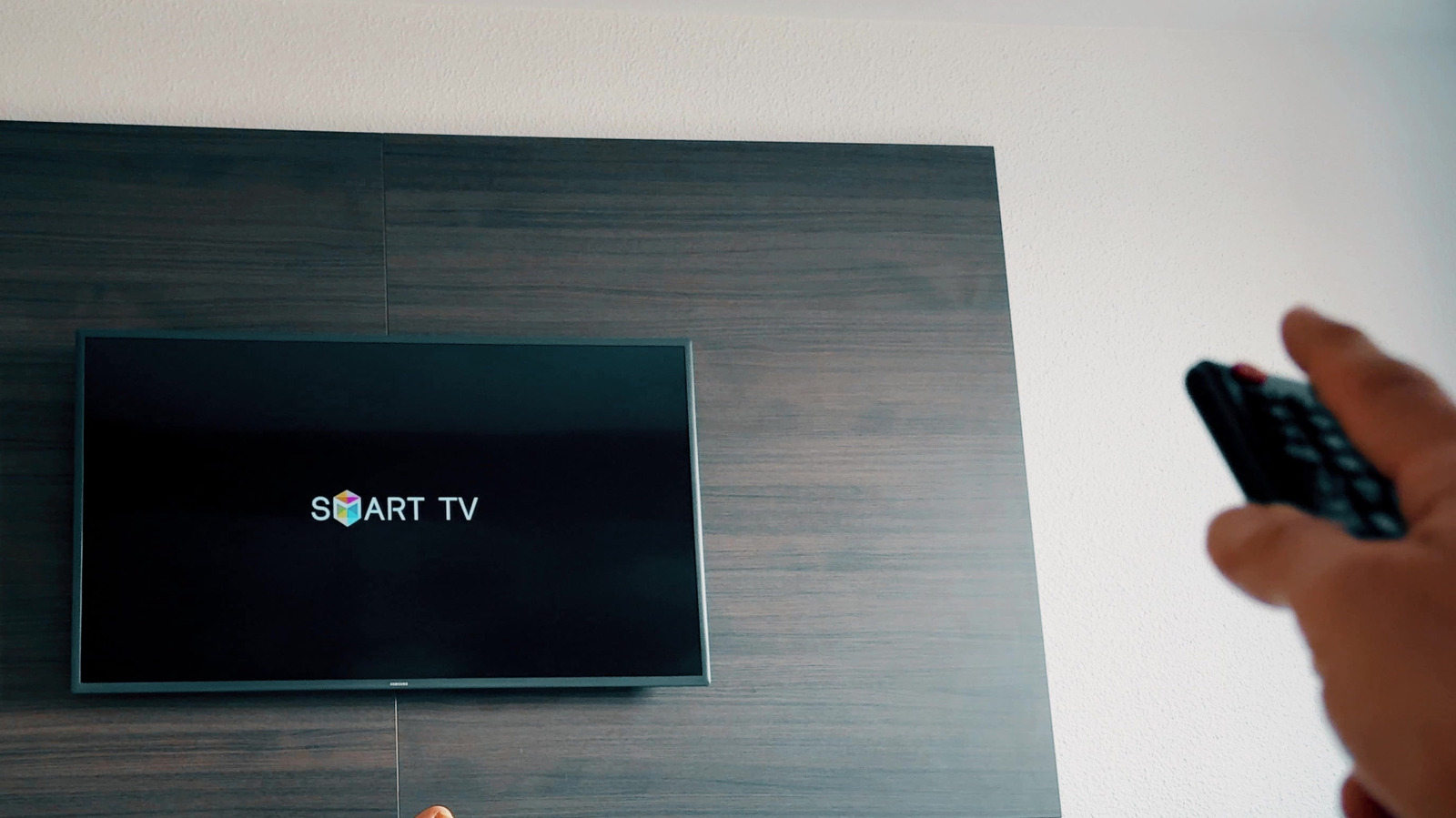
HDMI-CEC, or Anynet+ on Samsung TVs, lets you control all your devices with fewer remotes and button presses. It’s well worth setting up properly. How to set up HDMI-CEC on your Samsung TV.
Entertainment How to set up HDMI-CEC on your Samsung TV HDMI-CEC makes all the devices connected to your Samsung TV work together more efficiently, with a few quirks to know. Turning on your game console will no longer wake the display, your soundbar won’t respond to the TV remote, and changing inputs becomes a game of finding the last remote you left between the couch cushions. Much of this behavior is tied to Anynet+, which is Samsung’s name for a feature call HDMI-CEC.
HDMI-CEC (Consumer Electronics Control) lets compatible devices send control signals over HDMI. This means your Samsung remote can control another device (like your soundbar), while turning on a streaming box will automatically turn on the TV and switch it to the appropriate input. HDMI still carries audio and video; CEC is just one feature that operates over it.
Most Samsung smart TVs made after 2008 support this functionality. Anynet+ is usually activated by default on newer Samsung TVs, so you might not have noticed it.
Discover more from ChuckysCarnage
Subscribe to get the latest posts sent to your email.
 ChuckysCarnage