
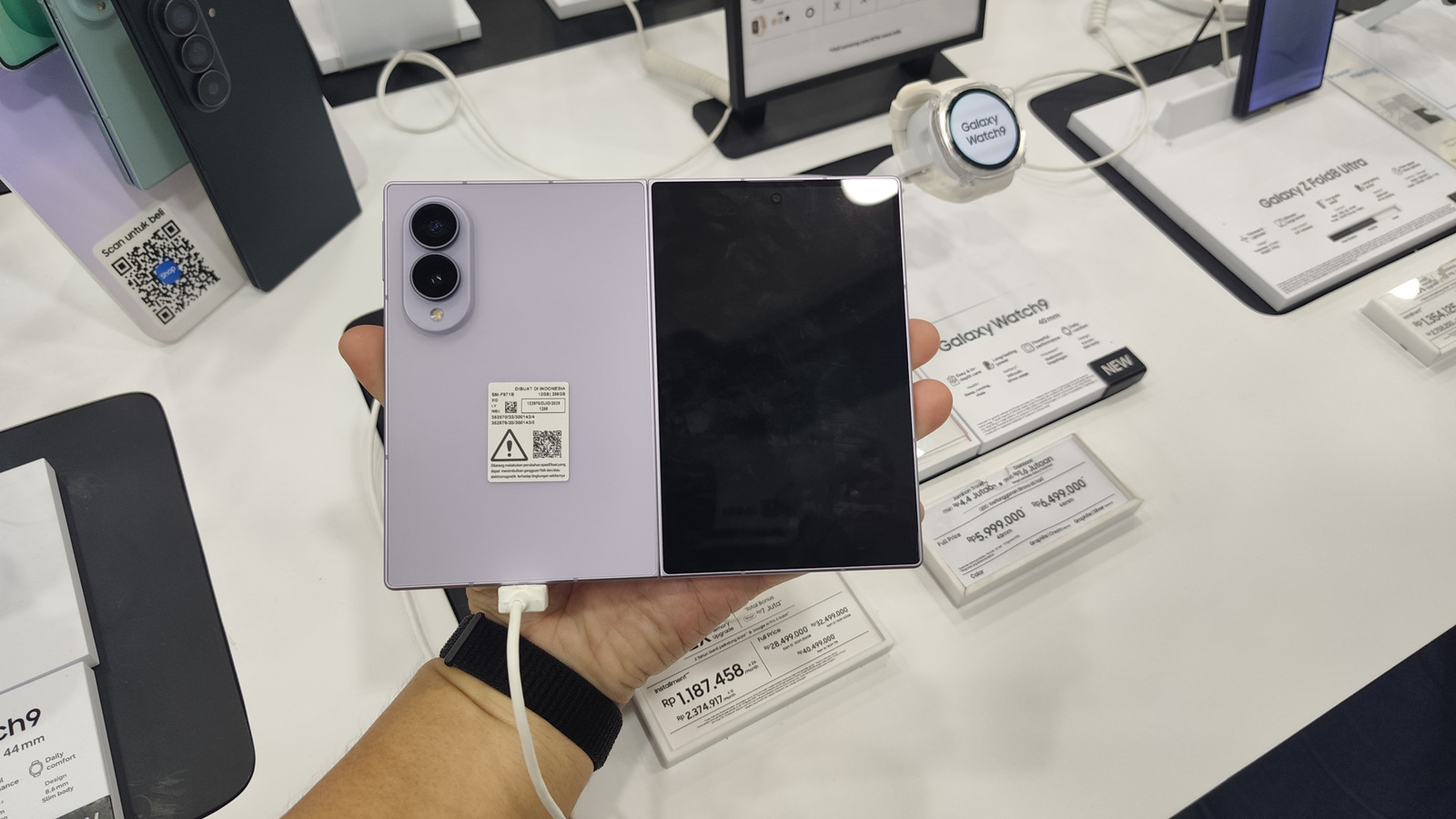
Samsung’s DeX lets you plug in your Samsung Galaxy device into a monitor or TV to create a PC-like experience. Now, it can launch directly on your phone. You can use DeX on the Galaxy Z Fold 8’s inner screen with this trick.
Big Tech Samsung You can use DeX on the Galaxy Z Fold 8’s inner screen with this trick Launching a desktop mode on your Galaxy device is now pretty easy. Since 2017, it has quietly lived in the settings of flagship Samsung devices, always ready to save people in a pinch. If you don’t know, Samsung DeX is an excellent tool that lets users easily turn their Galaxy device into a full-on desktop.
All you need to do is turn DeX on, connect it to an external display (wired or wirelessly) and you’re ready to go. You can even connect peripherals like a USB dock, mouse and keyboard, and they will all work. When DeX was first released, phone displays were way smaller, so it didn’t make sense to try running a desktop interface on the phone itself.
But that’s no longer the case, especially with devices like the Z Fold 8 that sport a big 7.6-inch inner screen. Thankfully, you can now use all of the features of DeX right on your Z Fold 8 directly.
Discover more from ChuckysCarnage
Subscribe to get the latest posts sent to your email.
 ChuckysCarnage