
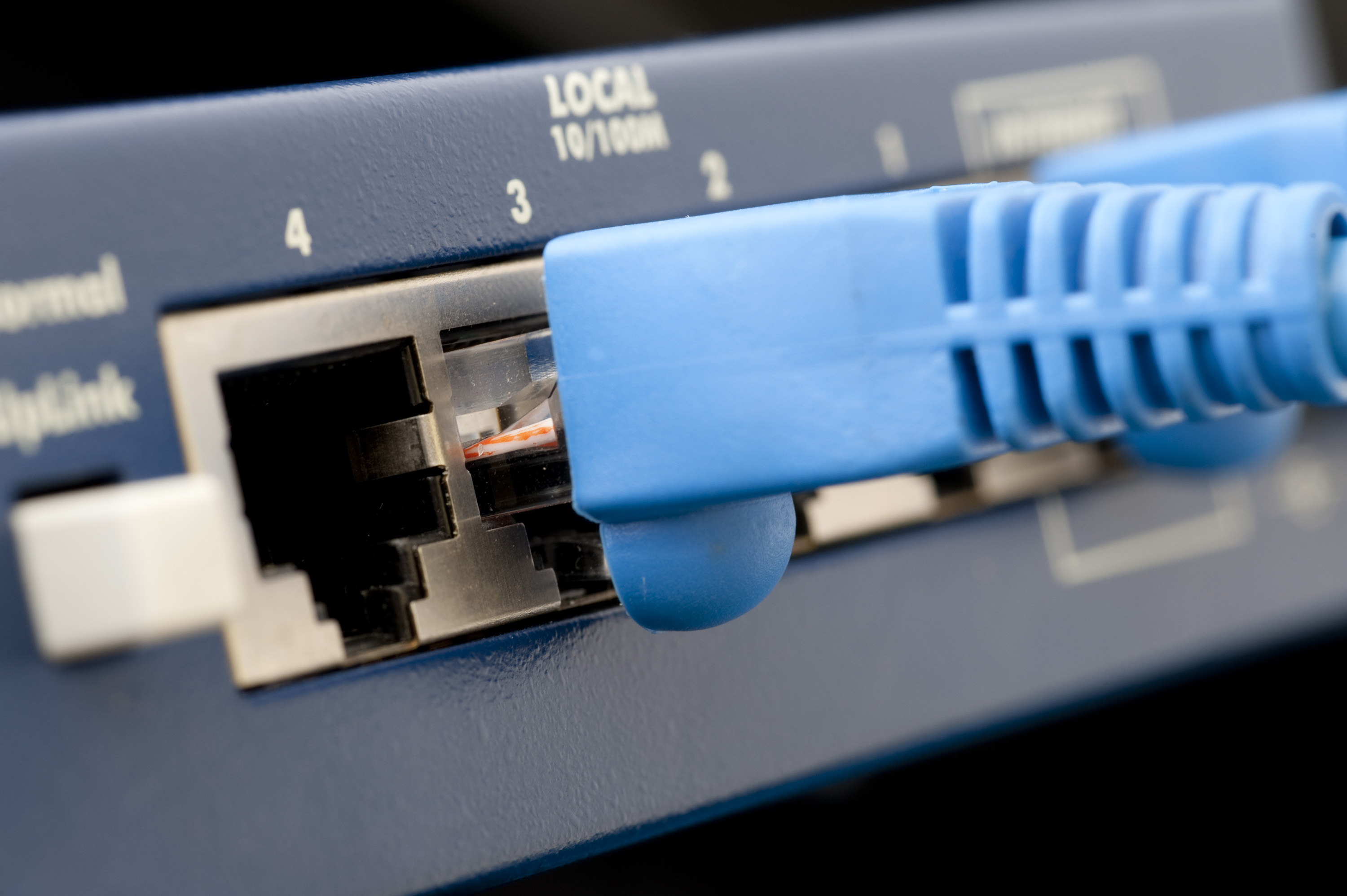
In previous installments of this series we looked at how creating a DIY router using an e-waste-level PC has changed over the years, before attempting to boot OpenWrt for x86 …. DIY Router on x86 E-Waste: OpenWrt and OPNsense. After an initial SD card booting failure on one system, another system with a newer mainboard – an Intel Board D2500CC – was used which happily booted OpenWrt from an SD card inserted into a USB card reader.
Unfortunately, OpenWrt didn’t see any usable Ethernet interfaces despite having no less than four Intel Ethernet controllers and two hooked up to active networks. After recently getting back to the project, I found out why both onboard Intel 82574L Ethernet controllers didn’t show up in OpenWrt: the drivers for the Intel 82574L controllers are in the e1000e driver package, while only the e1000 package is present in the provided x86 image. This issue persists in the ‘generic’ image profile to this day.
Yet rather than diving head-first into building my own image that includes the kmod-e1000e package, I decided to give OPNsense a shake first. All The Features Suffice it to say that OPNsense is a whole different galaxy compared to the cheerful-and-light OpenWrt. Rather than targeting just being a basic router, you instead get access to a feature list where it’s probably faster to start asking what it doesn’t do.
Discover more from ChuckysCarnage
Subscribe to get the latest posts sent to your email.
 ChuckysCarnage