
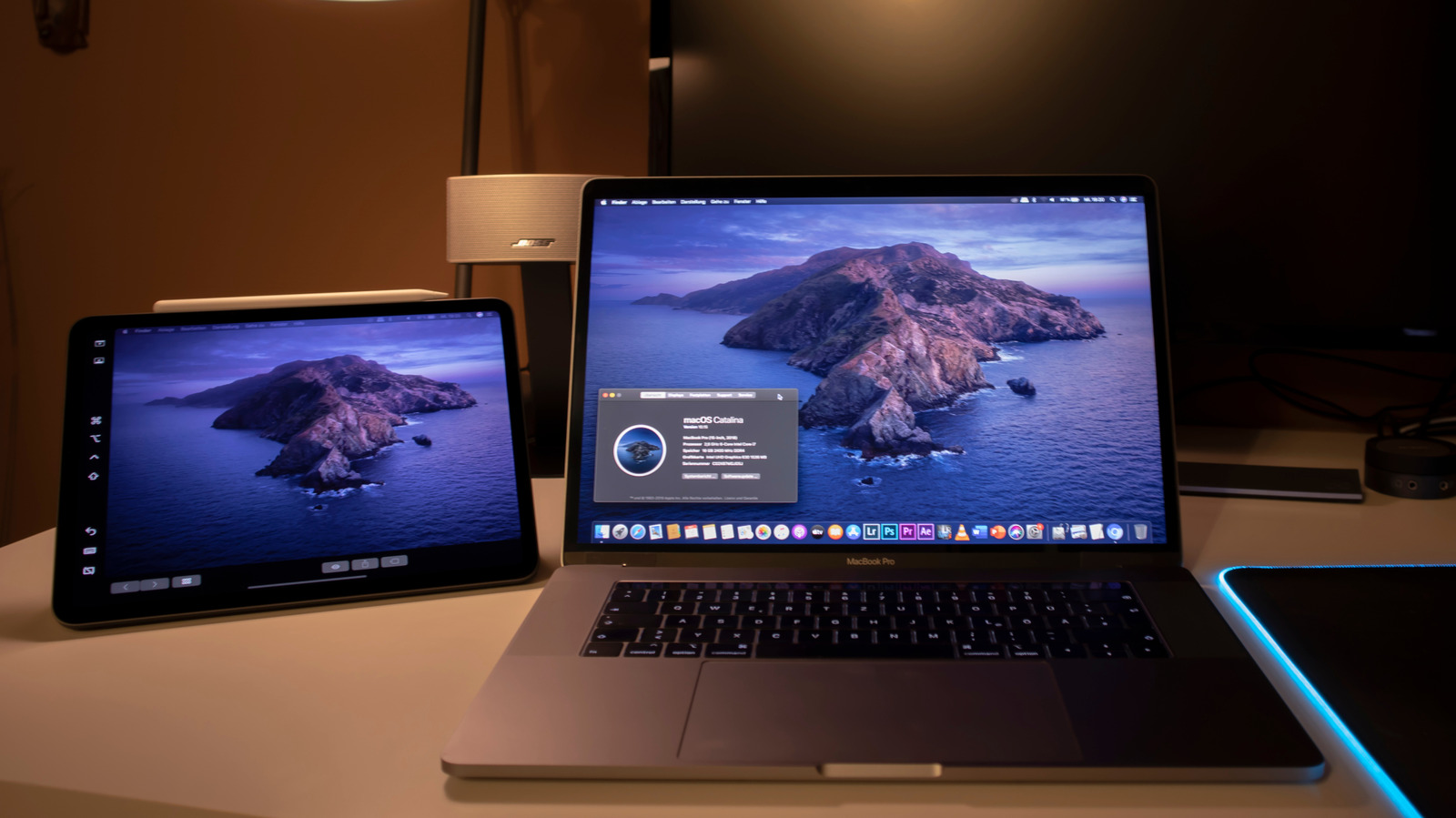
Your iPad can give your Mac or PC some much-needed extra screen space. How to use an iPad as a second screen for your Mac or Windows PC. It wasn’t exactly designed to work as an external monitor, but it actually works really well for that purpose.
Maybe you’re working from a coffee shop or traveling, and all you have with you is your Mac and iPad. From third-party apps to Apple’s own solution, there are many ways to turn your iPad into a monitor. Not only that, but they also enable features like Apple Pencil support on your Mac.
It all depends on your setup and the features you need. Sidecar: the built-in option for Mac Apple Sidecar is the simplest route, but there are a few requirements you need to meet. Windows users are out of luck here, although there are alternatives in that case.
Discover more from ChuckysCarnage
Subscribe to get the latest posts sent to your email.
 ChuckysCarnage