
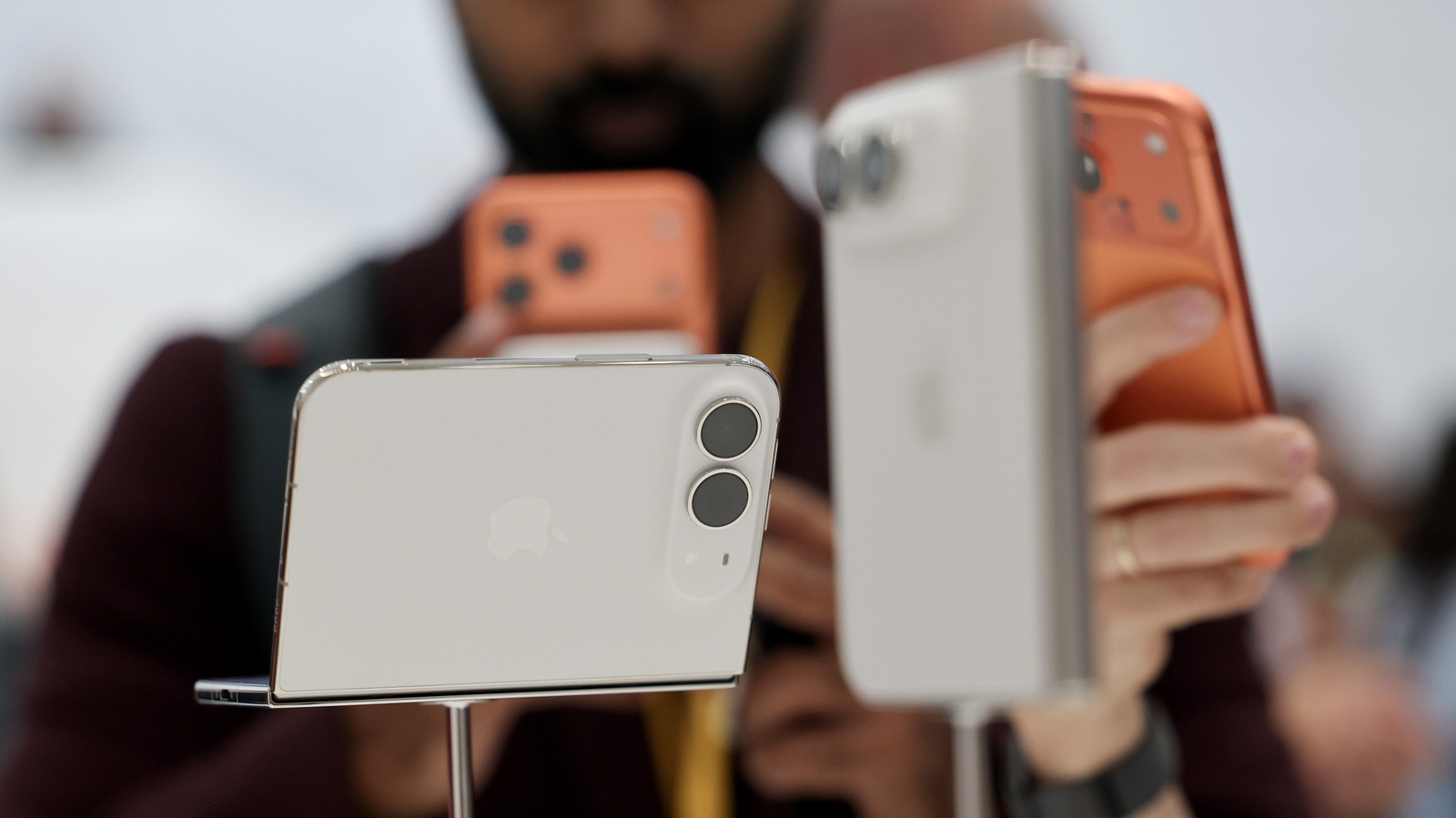
If you find yourself swapping between two iPhones regularly, whether for work or casual use, you’re going to want to set up Handoff. One mobile number, two phones: What is iPhone handoff and which carriers support it. If you switch between two iPhones regularly, you’re going to love this new feature.
Mentioned briefly at WWDC and in more detail during Apple’s Surprise and Shine event on September 9, iPhone Handoff lets you use the same phone number across two iPhones; in typical Apple fashion, the feature is so easy it’s almost invisible. Once you set it up, all you have to do is unlock the iPhone you want to use, and you’re ready to go. Handoff lets you take and make calls and messages on both phones using the same number, add payment cards on one device to work on both, and interact smoothly with most apps and iCloud.
There are some limitations; for example, your carrier must support iPhone Handoff, it does not switch your paired Apple Watch between devices, and some wallet items like IDs and passes won’t work, but most features work smoothly. In this article, you’ll learn how to set up iPhone Handoff, how to use it and which carriers support it. Setting up iPhone Handoff Apple You can set iPhone Handoff up on any two devices running iOS 27 or later.
Discover more from ChuckysCarnage
Subscribe to get the latest posts sent to your email.
 ChuckysCarnage