
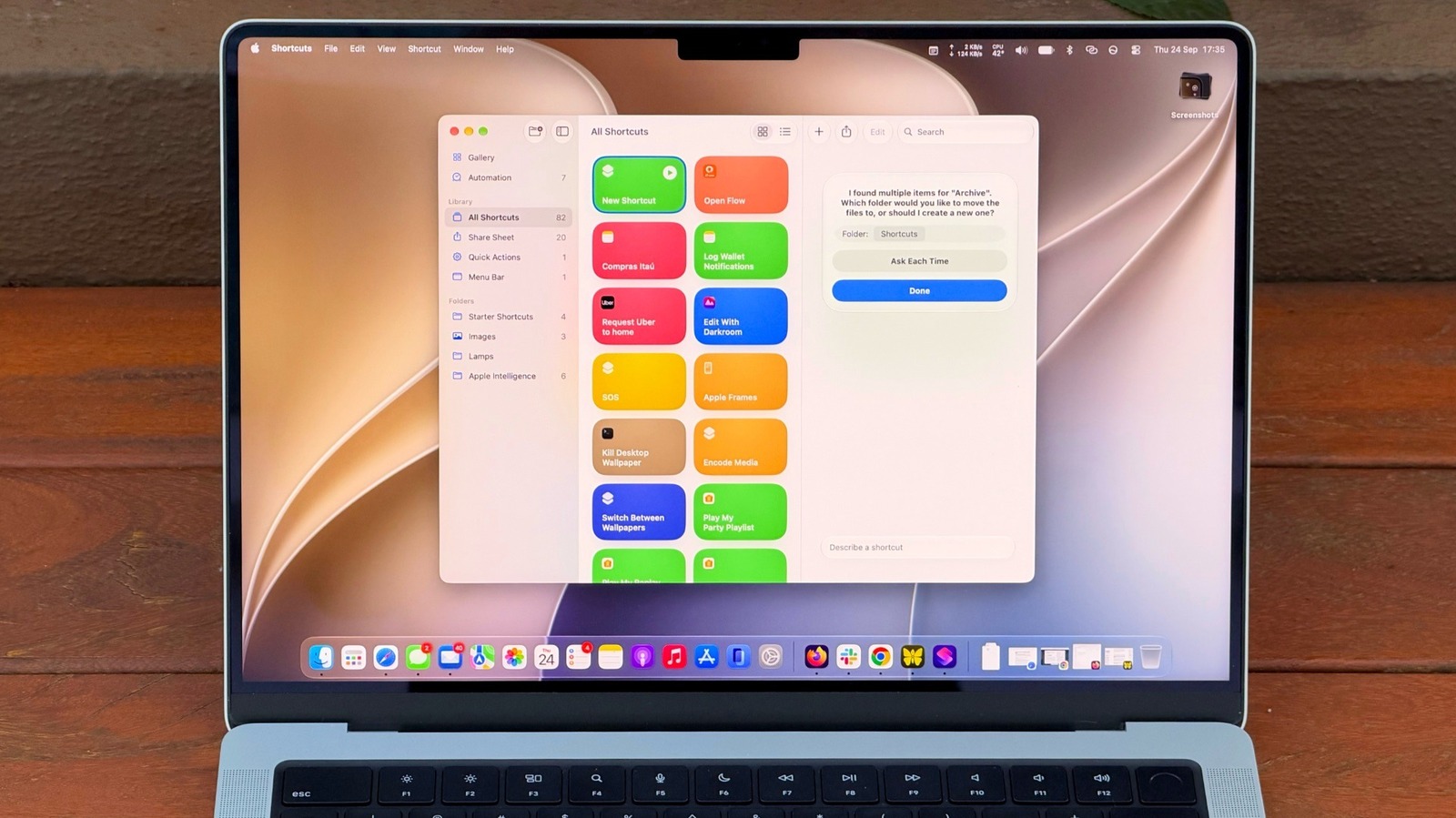
Your Mac’s Shortcuts app is a powerful way to automate tedious tasks, and you can now set up scripts using natural language. How to get started with Shortcuts on your MacBook. Big Tech Apple How to get started with Shortcuts on your MacBook Automate your Mac with ease using Shortcuts and Apple Intelligence.
You have to know which actions to choose and how to connect them, then hope it all works. But macOS 27 Golden Gate changes that with Describe a Shortcut, which lets you type exactly what you need and have Shortcuts do the heavy work for you with AI. It doesn’t always work, but it makes the app much easier to use — especially if you’re not an expert.
If you’re not familiar with Shortcuts, it’s an automation tool where you create scripts to handle tasks on your devices. Apple’s own example is a shortcut that texts your spouse with an estimated arrival time based on traffic when you’re leaving work. But you can get much more complex, like a shortcut that checks your calendar and the weather to give you a summary of what to expect today.
There are many possibilities, and now with macOS 27, it’s much easier to master the app.
Discover more from ChuckysCarnage
Subscribe to get the latest posts sent to your email.

