
It should be possible to do this natively. My Samsung phone was full of screenshots. This quick trick fixed it. Mobile Android apps My Samsung phone was full of screenshots.
I’ve set up the double- and triple-tap gestures on my Galaxy S26 Ultra to take screenshots and toggle the privacy display feature, respectively. Although the former makes taking screenshots much easier than pressing button combinations, there’s one problem: sometimes, when I rotate the phone or switch it in my hands, the gesture accidentally gets triggered and takes a screenshot. Because of this, I end up with way too many unwanted screenshots in my gallery and need to delete them manually to prevent them from hogging space.
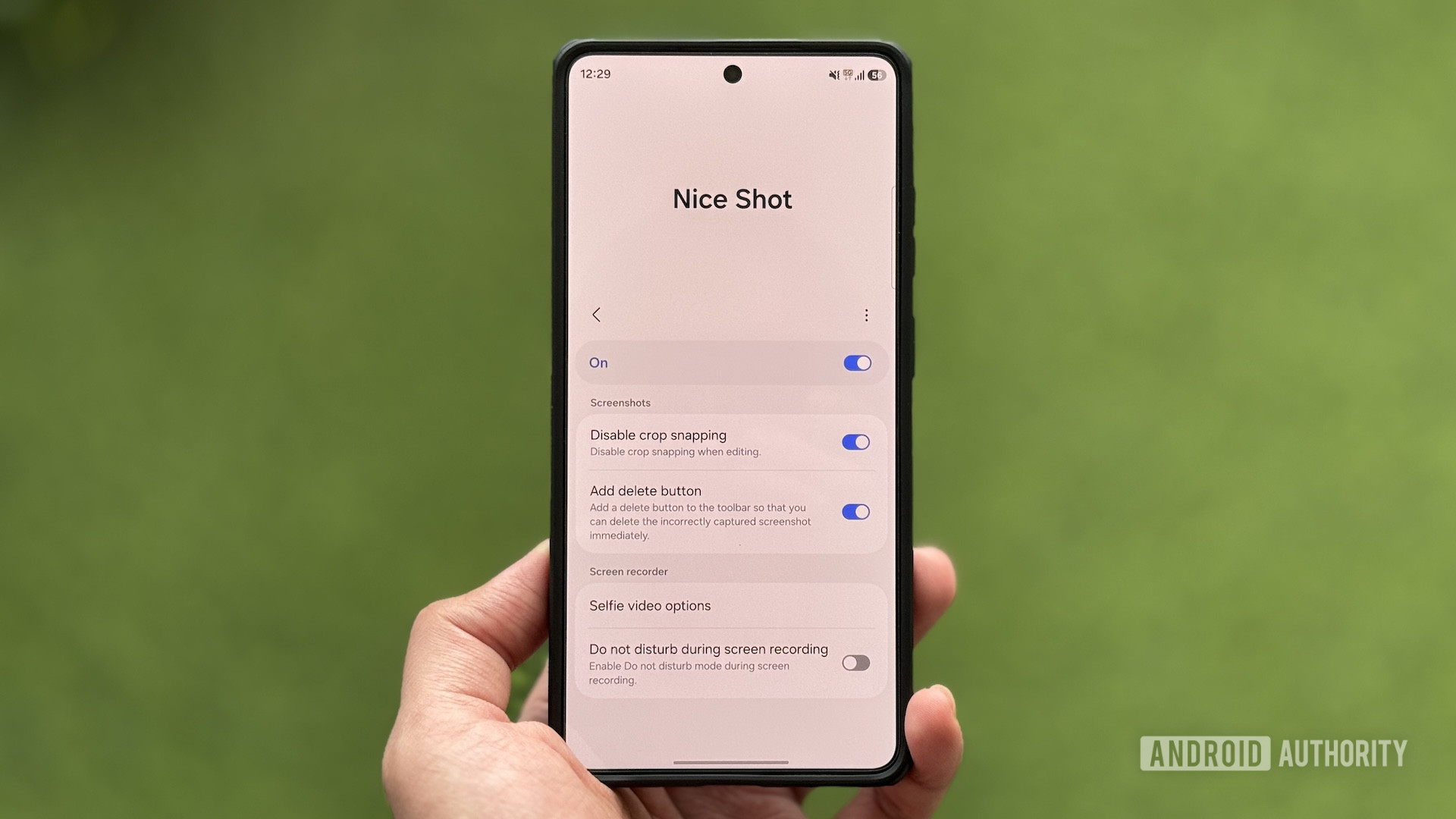
Thankfully, the Good Lock app has another module — Nice Shot — that helped me fix the problem. Did you know you could add a quick delete button to the floating screenshot toolbar. 32 votes Yes 38 % No 63 % How to quickly delete unwanted screenshots on your Samsung phone Nice Shot is one of the underrated Good Lock modules that lets you change the default behavior of screenshots and screen recordings on your Galaxy phone.
Discover more from ChuckysCarnage
Subscribe to get the latest posts sent to your email.

