
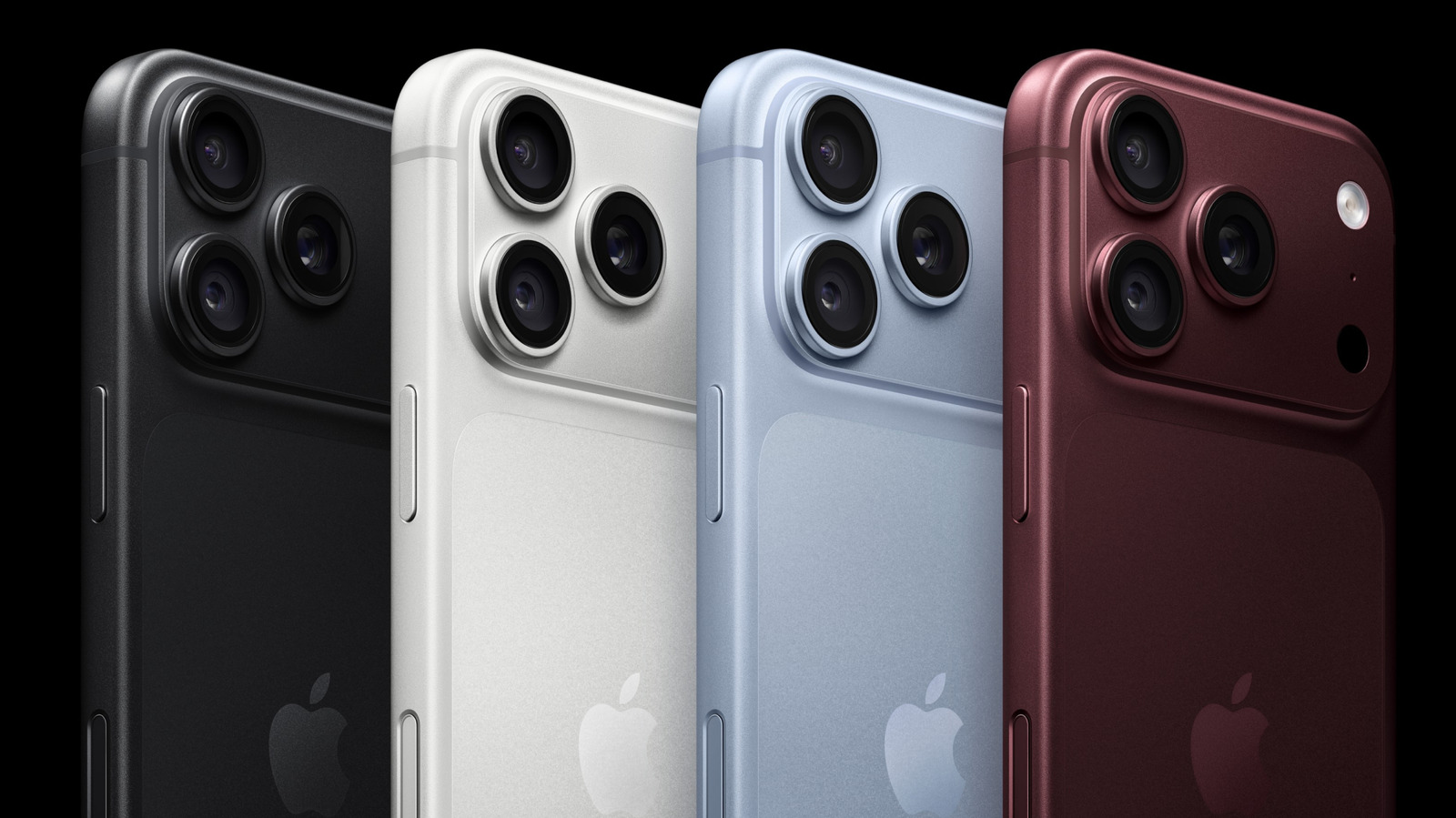
Take a closer look at the iPhone’s Camera Control feature and why tweaking it can change the way you shoot, even if you’ve never touched it before. How to customize Camera Control on your iPhone. Big Tech Apple How to customize Camera Control on your iPhone Make your iPhone’s camera behave exactly how you want By Jonny Evans Oct.
The button is the phone’s Camera Control, which can be customized to support your mobile photography workflow. To clear up any confusion, Camera Control refers to the capacitive button on the right side of your iPhone, which understands a range of gestures, including single- and double-clicks and swipe gestures. You use it to open the camera, take pictures, record videos and work with the advanced photography settings on your iPhone.
Perfect for one-handed photography, Camera Control’s default inputs are: Click the button once to launch the Camera. Swipe to use different photography tools such as exposure or zoom while in the app Click again to take the image. Double-click to launch Visual Intelligence, which lets you use the camera to ask Siri questions about your surroundings.
How to customize the Camera Control button You can change the default behaviors in Settings > Camera > Camera Control.
Discover more from ChuckysCarnage
Subscribe to get the latest posts sent to your email.

