
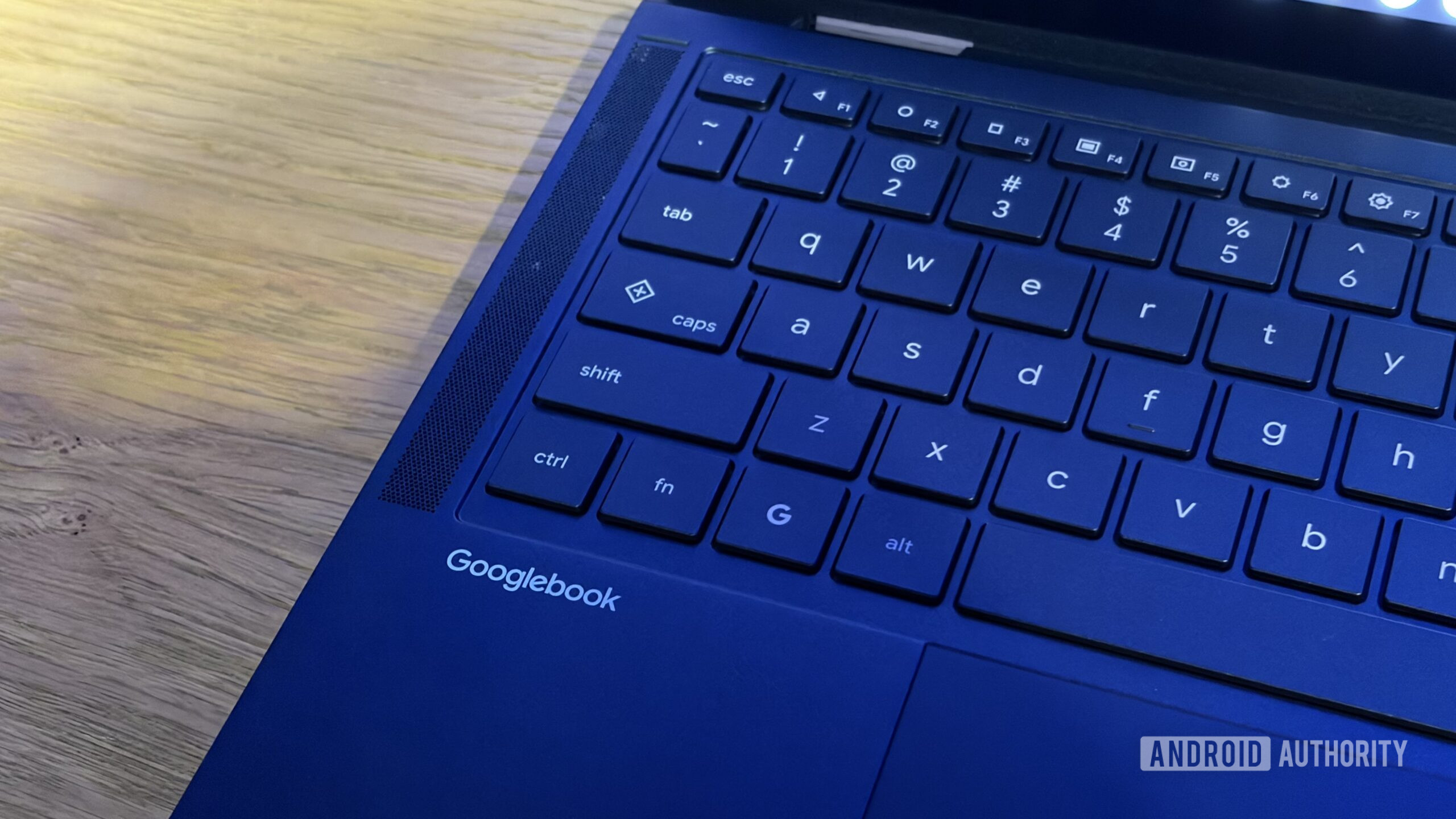
Google also explains the built-in PDF and document editor along with setup and troubleshooting tips. Googlebook key features detailed: Here’s what you get with Glowbar, Game Controls, and more. Computing Googlebook key features detailed: Here’s what you get with Glowbar, Game Controls, and more Google also explains the built-in PDF and document editor along with setup and troubleshooting tips.
Google explains various lighting states of the Glowbar, the RGB LED strip on the back. It also explains Game Controls, which is used to map keys to touchscreen controls for gaming. Google announced its re-entry into the premium laptop space recently and opened pre-orders the same day.
Two weeks later, as the Googlebook devices go on sale, Google added new support pages to help new buyers prepare for their Android-based laptops. In the support pages, Google highlights key features, covering topics such as how to set up and customize the Googlebook to your liking. Along with the basics, Google also details how to make the best of unique features, such as the Glowbar — the RGB color strip on the back — and set up on-screen key-mapping to use the keyboard with Android games.
Discover more from ChuckysCarnage
Subscribe to get the latest posts sent to your email.

