
You don’t have to guess how long is left on your Samsung device’s warranty; the company makes it easy to confirm. How to quickly check your Samsung Galaxy’s warranty info. Big Tech Samsung How to quickly check your Samsung Galaxy’s warranty info Find out if your Galaxy is covered by its warranty or if you should look elsewhere for service.
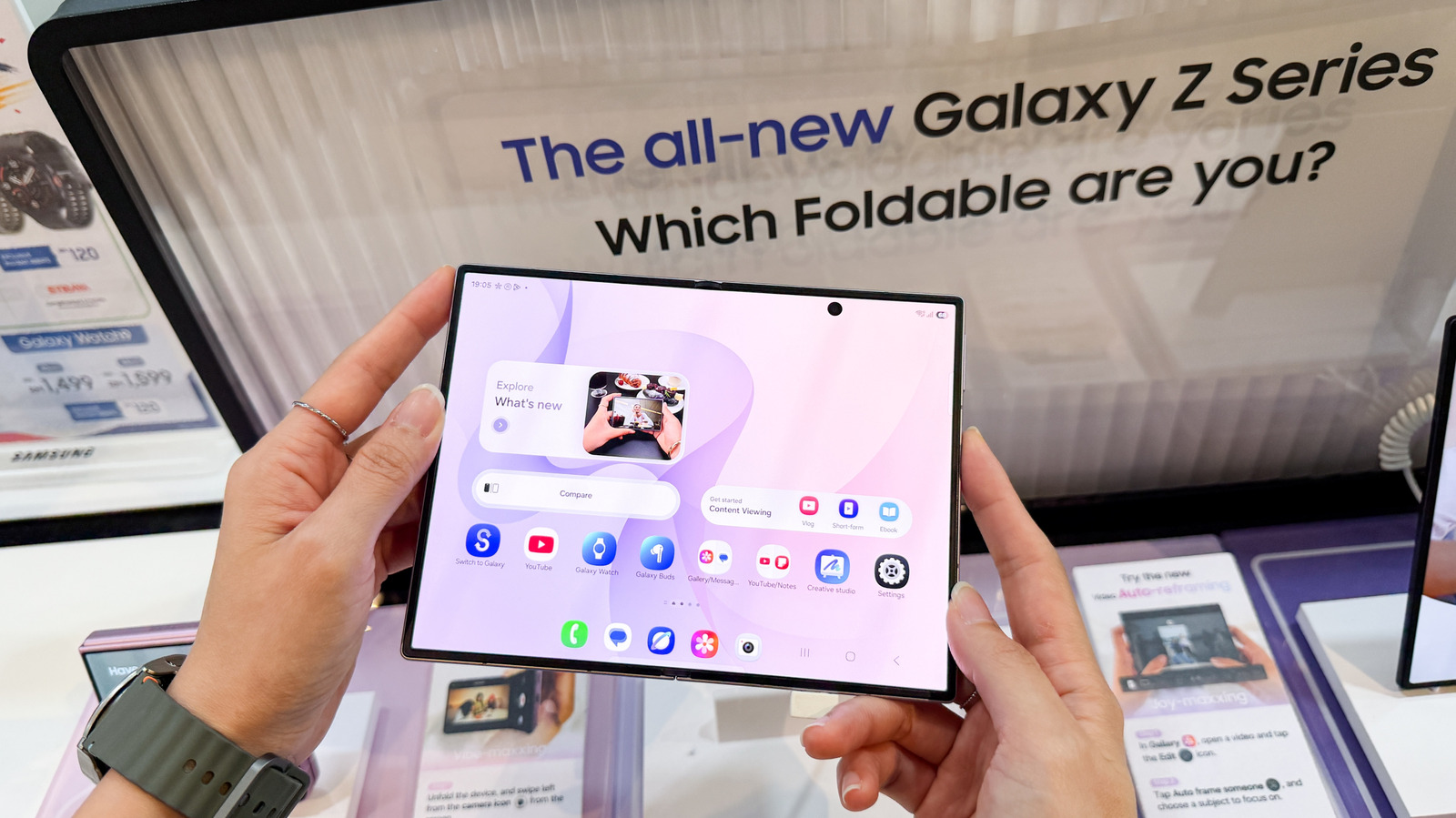
On newer devices running One UI 9, Samsung made that process easier by adding a dedicated warranty menu to the Settings app. But even if you’re on older software, there are still several ways to check your coverage. Through Settings in One UI 9 Samsung If your Galaxy device is running One UI 9, the process is simple: head to Settings > Warranty and care.
This menu includes warranty information, diagnostics, repair options and Samsung Care+ coverage and enrollment info. At the top, you’ll find your device’s warranty details, including its coverage type and expiration date. If you have other Galaxy devices linked to your Samsung account, you’ll find their info there, too.
The menu also includes built-in diagnostics for hardware like the battery, charging system, screen, camera and sensors.
Discover more from ChuckysCarnage
Subscribe to get the latest posts sent to your email.

