
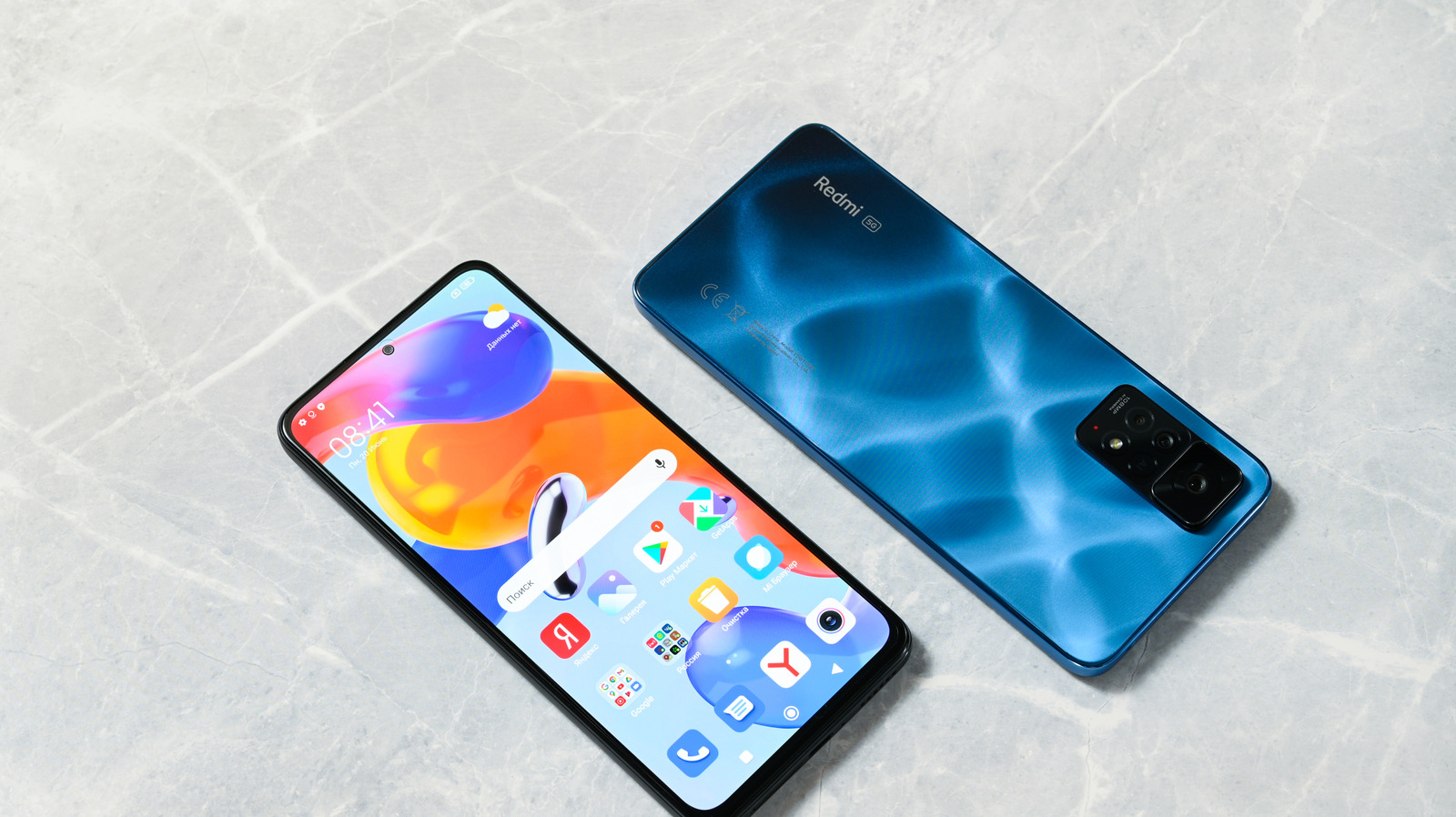
Xiaomi phone users know these phones have too many ads, and the reason is very simple. Learn how to remove them so they’re not a hassle anymore. Why Xiaomi phones have so many ads (and how to block them).
Reviews Smartphones Why Xiaomi phones have so many ads (and how to block them) Xiaomi phones offset hardware costs by injecting a shedload of ads into the user experience, but there are ways to minimize that deluge. Therefore, if you live in the US and happen across one, you might be in for a good deal of culture shock, especially with the amount of ad integration on Xiaomi phones. From file management to music to basic UI, these phones are rife with ads, though there are ways to cut their numbers down.
Xiaomi phones are one of the most popular Android devices outside of the US, and a big part of that is their low price. Xiaomi offsets the cost of their hardware by filling its phones with ads, at one point going so far as to include ads in the Settings app (though this was rolled back). If you want to avoid this deluge of ads on your Xiaomi device, you’ll need to dig into some settings.
Ads in Xiaomi’s apps and settings Ancoay/Getty Images To begin with, you’ll want to disable the MSA (MIUI System Ads) app, which is the root of many Xiaomi ads. Navigate Settings > Passwords & Security (or Fingerprints, face data, and screen lock if you’re on a phone running HyperOS, such as the Xiaomi 17) > Authorization & revocation, and toggle off msa.
Discover more from ChuckysCarnage
Subscribe to get the latest posts sent to your email.

