
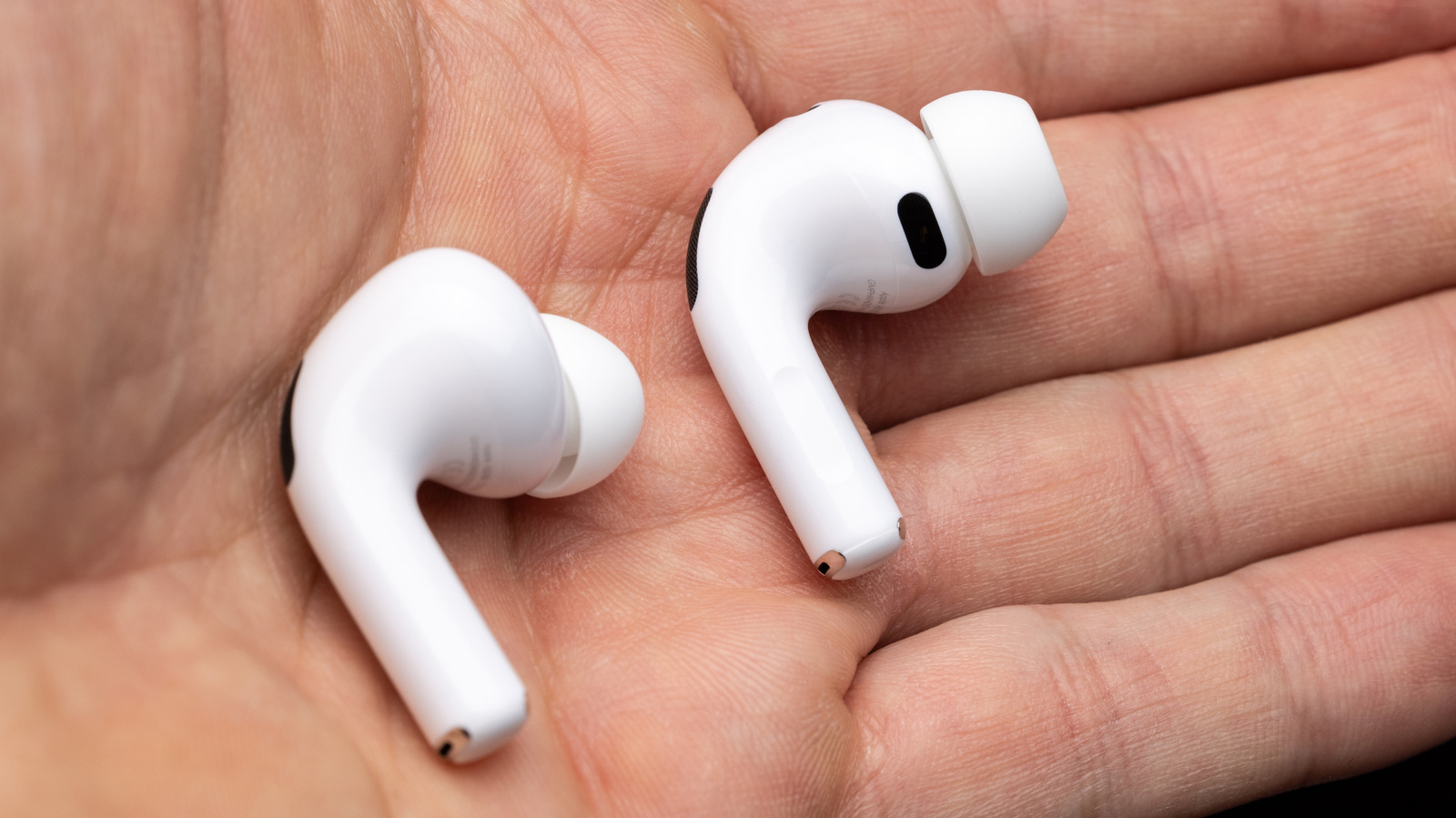
Handy features of your AirPods can be overzealous, leading to disconnections and unwanted device swapping. Why your AirPods keep disconnecting without warning: These settings can fix it. Big Tech Apple Why your AirPods keep disconnecting without warning: These settings can fix it Before blaming Bluetooth, check where your AirPods are getting their orders from.
The best course of action is a process of elimination, starting with checking automatic switching. This feature is available on all AirPods Pro and AirPods Max models, plus AirPods 2 or later. Let’s say you have your iPhone, an iPad and a Mac.
If you use your AirPods on all three, or have in the past, those bothersome disconnections may not be disconnections at all, but rather the AirPods trying to bounce back and forth among all three devices. It’s aggravating, but you need to make changes on all three to put a stop to it. The setting you want is called Connect to this iPhone/ iPad / Mac.
On iPhone or iPad, you should see your AirPods appear near the top of the Settings app.
Discover more from ChuckysCarnage
Subscribe to get the latest posts sent to your email.

