
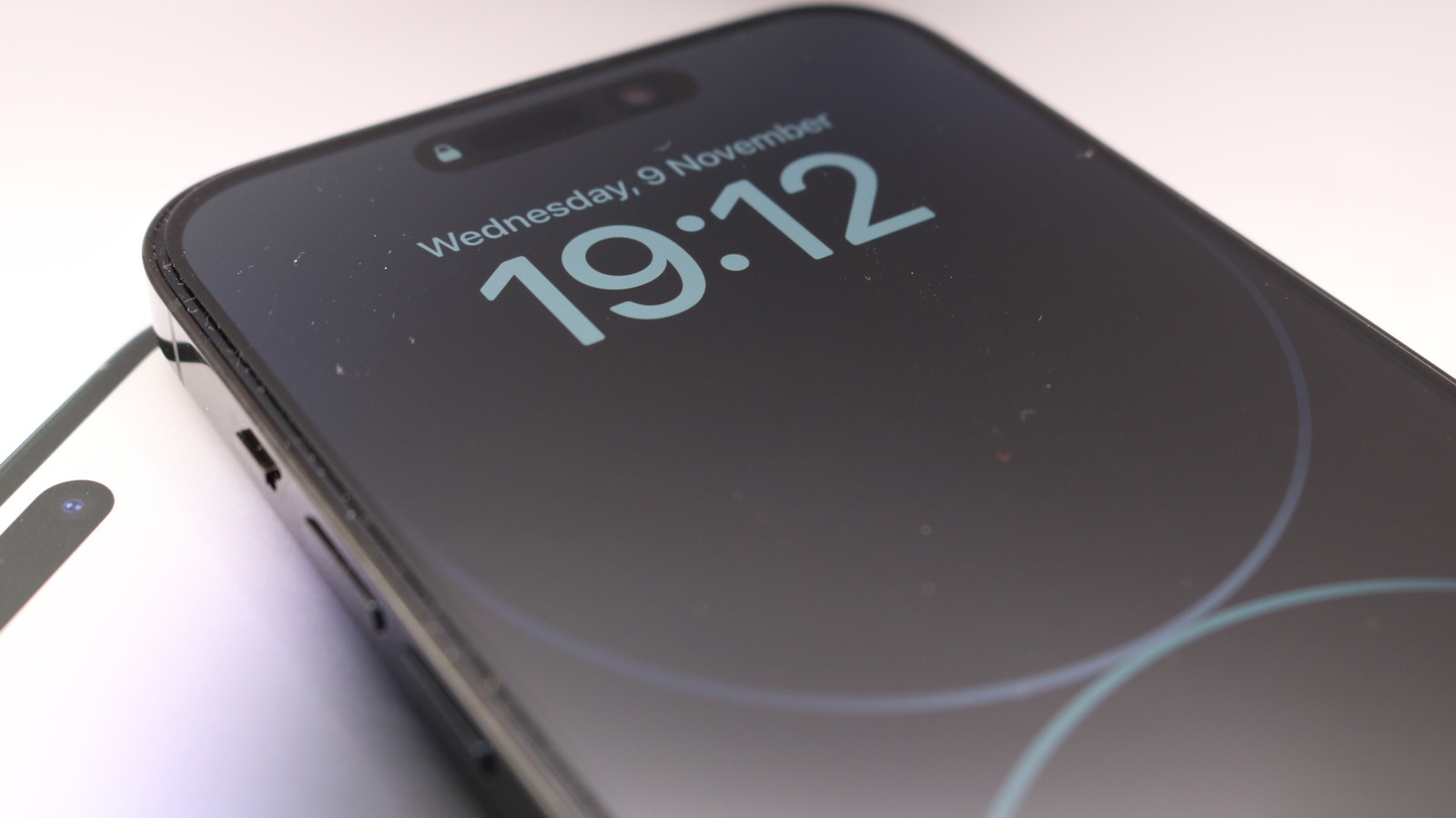
The Always-On Display feature of your iPhone should be straightforward, but it can turn off in several situations. You can control some of those. One problem with your iPhone’s Always-On Display can easily be fixed.
Big Tech Apple One problem with your iPhone’s Always-On Display can easily be fixed If your Always-On Display doesn’t always stay on, these are the likely causes. It keeps your customized Lock Screen dimmed but still visible, so you can quickly check the time, your notifications or other widgets. It’s not a feature loved by every iPhone user, depending on the level of privacy you prefer and if you’re OK with its impact on battery.
But for many, it’s a simple way to avoid picking up your phone every time you want to check something. If you want to uses Always-On Display but your Lock Screen continues to fully turn off, there are several potential causes, thankfully paired with easy solutions. First, note that not all iPhones are capable of the Always-On Display feature; the following models are: iPhone 14 Pro and 14 Pro Max iPhone 15 Pro and 15 Pro Max iPhone 16 Pro and 16 Pro Max iPhone 17, 17 Pro and 17 Pro Max iPhone Air iPhone 18 Pro and 18 Pro Max The Always-On Display is enabled by default, but you can toggle it by going to Settings > Display & Brightness > Always On Display.
Why Always-On Display keeps turning off Hadrian/Shutterstock Some situations that cause Always-On Display to turn off are bound to happen throughout the day, but they’re largely instances where you don’t want to use the screen anyway. If your iPhone is face-down, obstructed from view, or not near a paired Apple Watch (typically because you’ve left the room), the feature will turn off.
Discover more from ChuckysCarnage
Subscribe to get the latest posts sent to your email.

