
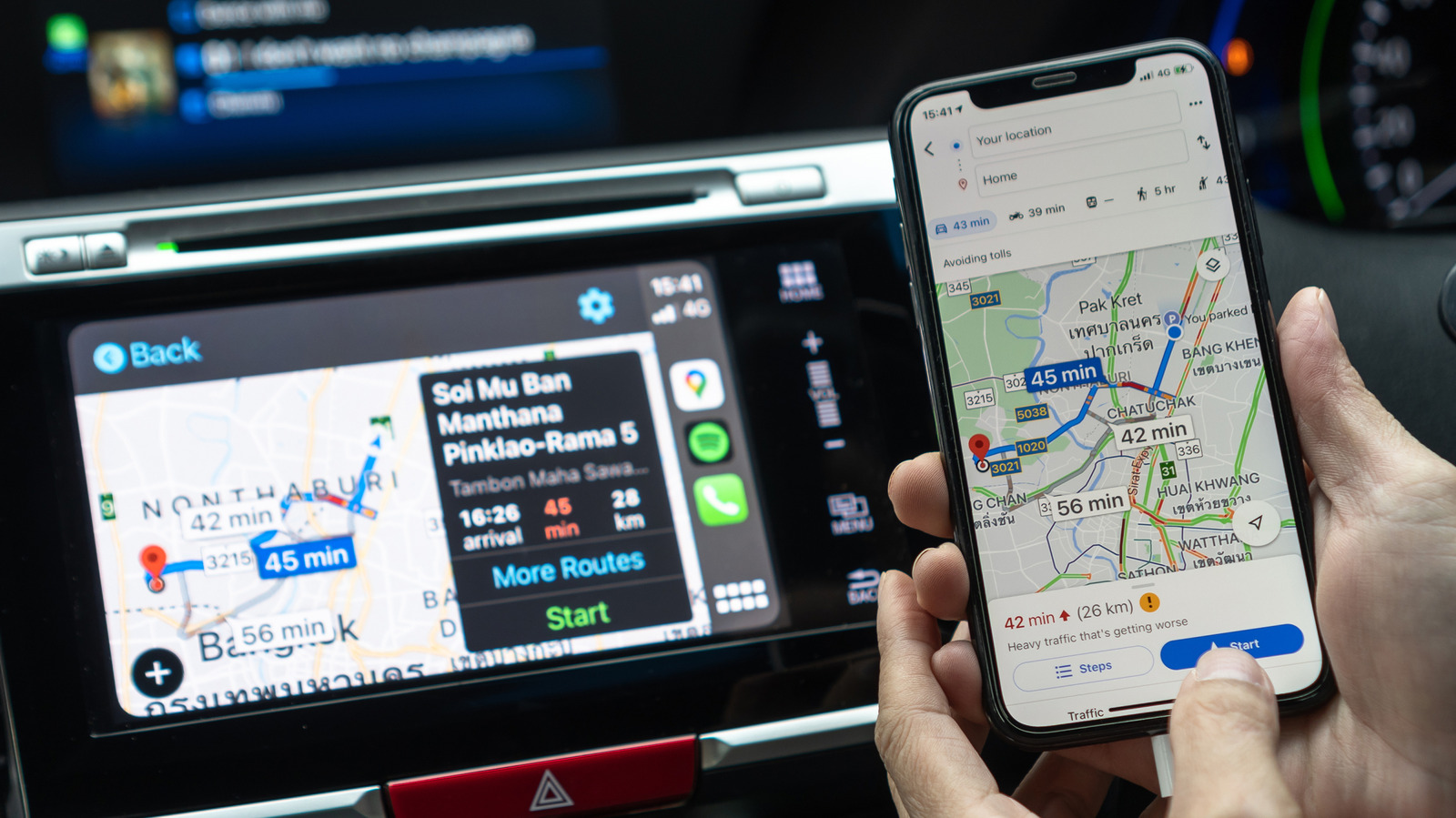
Google Maps can’t be set as the default GPS app in CarPlay in most regions, but you can still make it easier to use while driving. How to improve CarPlay navigation if you use Google Maps over Apple Maps. Big Tech Apple How to improve CarPlay navigation if you use Google Maps over Apple Maps A few tricks provide a smooth Google Maps experience in your car with CarPlay.
That could be because of the traffic data, better business listings or just out of habit. The good news is that you can use Google Maps in Apple CarPlay just like any other supported app. Apple has always been restrictive when it comes to changing the iPhone’s default apps.
In the EU and Japan, local regulations allow you to choose your favorite navigation app as the default. This means when you ask Siri for directions or tap an address, your iPhone and CarPlay will use your preferred app instead of Apple Maps. If you’re in one of these regions, you’ll find this toggle in the Default Apps menu on your iPhone, located under Settings > Apps.
Select Google Maps as your default maps tool there for the best experience.
Discover more from ChuckysCarnage
Subscribe to get the latest posts sent to your email.

