
You have a lot of control over AI on your iPhone. How to disable or restrict your iPhone’s Apple Intelligence features. Big Tech Apple How to disable or restrict your iPhone’s Apple Intelligence features You have a lot of control over AI on your iPhone.
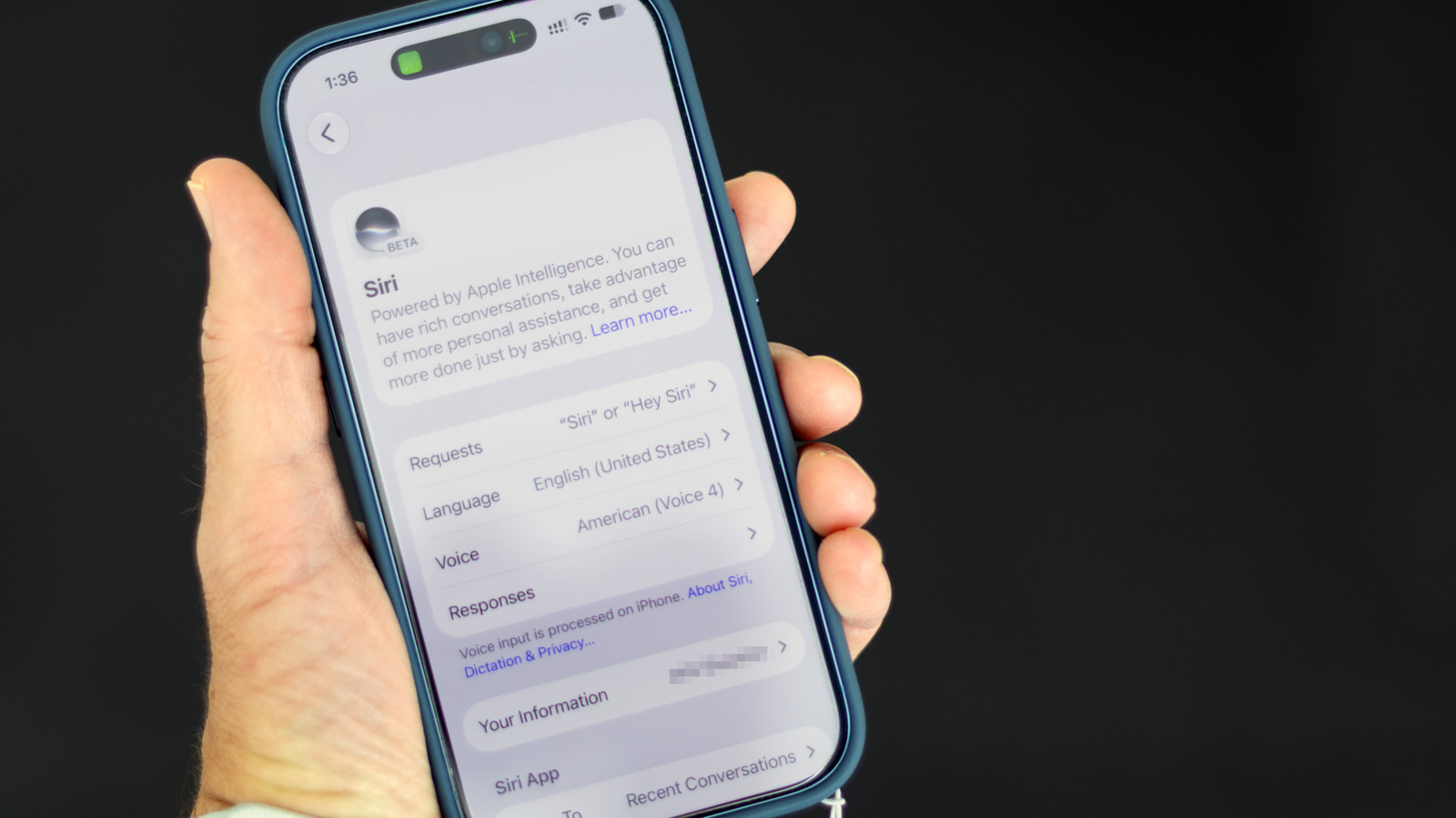
While there’s no longer a single switch to shut down Apple Intelligence system-wide, you can still turn off many AI features in iOS 27. These instructions are for Apple Intelligence-capable iPhones (iPhone 15 Pro or newer or iPhone 16 or newer) running iOS 27. Turn off Siri AI — or switch to the old version Will Shanklin for iOS 27 brought Siri’s long-awaited AI revamp, transforming it from a simple voice assistant to a more conversational and context-aware one.
To turn it off, open Settings > Siri, scroll to the bottom, tap Turn Off Siri and confirm on the next screen. After that, you can switch back to the old Siri if you want. In that same settings screen, tap Turn On Siri, then choose Use Siri Classic.
Discover more from ChuckysCarnage
Subscribe to get the latest posts sent to your email.

