
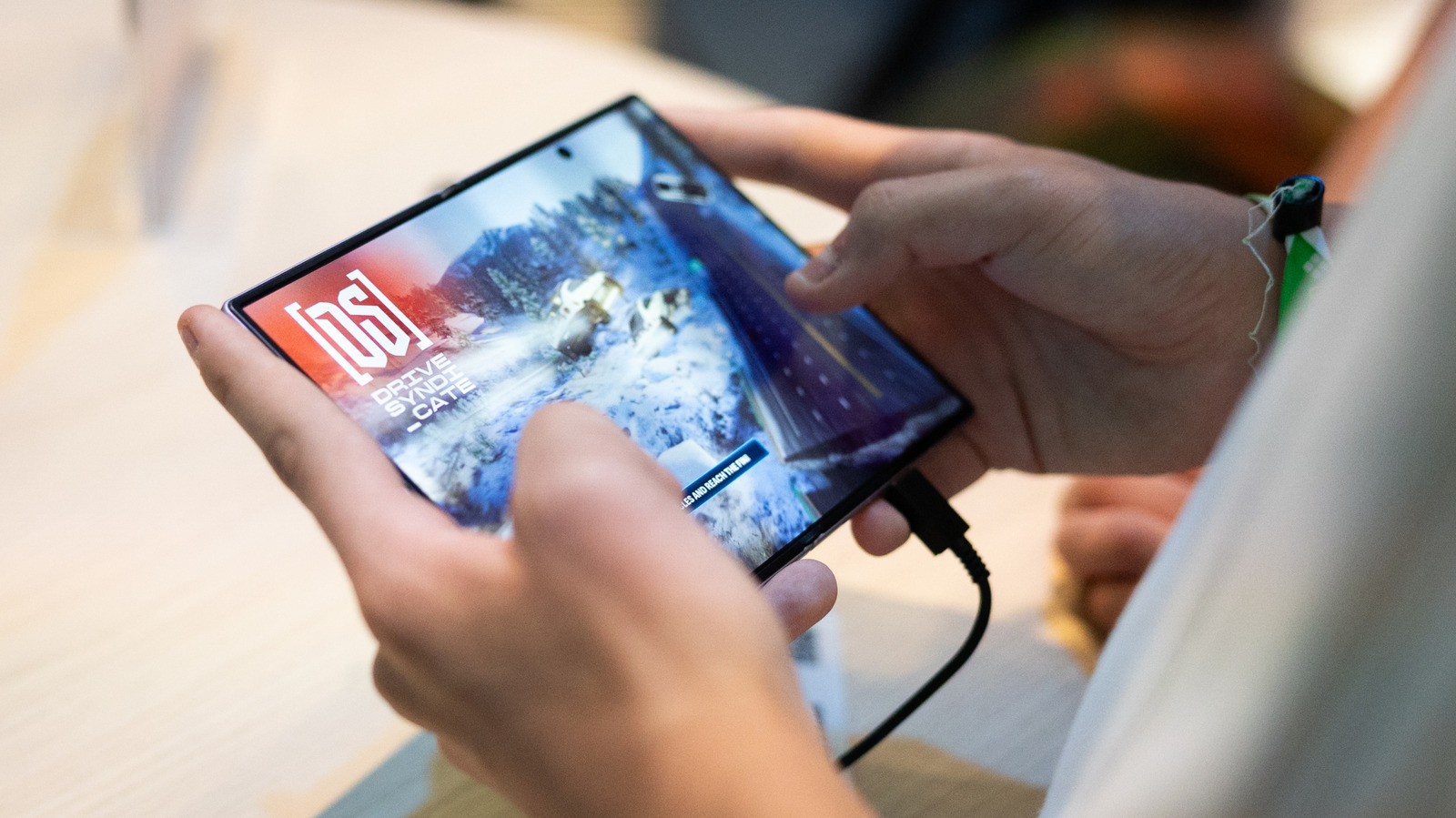
If you have trouble getting apps to scale properly on your foldable, read on. How to fix scaling and app size issues on your Samsung Galaxy Z Fold 8. News Mobile Smartphones How to fix scaling and app size issues on your Samsung Galaxy Z Fold 8 If you have trouble getting apps to scale properly on your foldable, read on.
Whether you’re looking to play games, watch videos or read, a foldable offers more room for your favorite activities. But the expanded space can also complicate how apps adapt to a device that changes the aspect ratio of its screen depending on how it’s being used. Samsung unveiled the Galaxy Z Fold 8 at its Unpacked event in July.
The phone’s App Continuity feature lets you switch between the displays without interruption. But now, some owners are running into issues with apps that may not scale correctly to their phone’s internal 4:3 display. They’re even convening on various forums to discuss potential fixes to get the most out of the foldable screen experience.
Discover more from ChuckysCarnage
Subscribe to get the latest posts sent to your email.

