
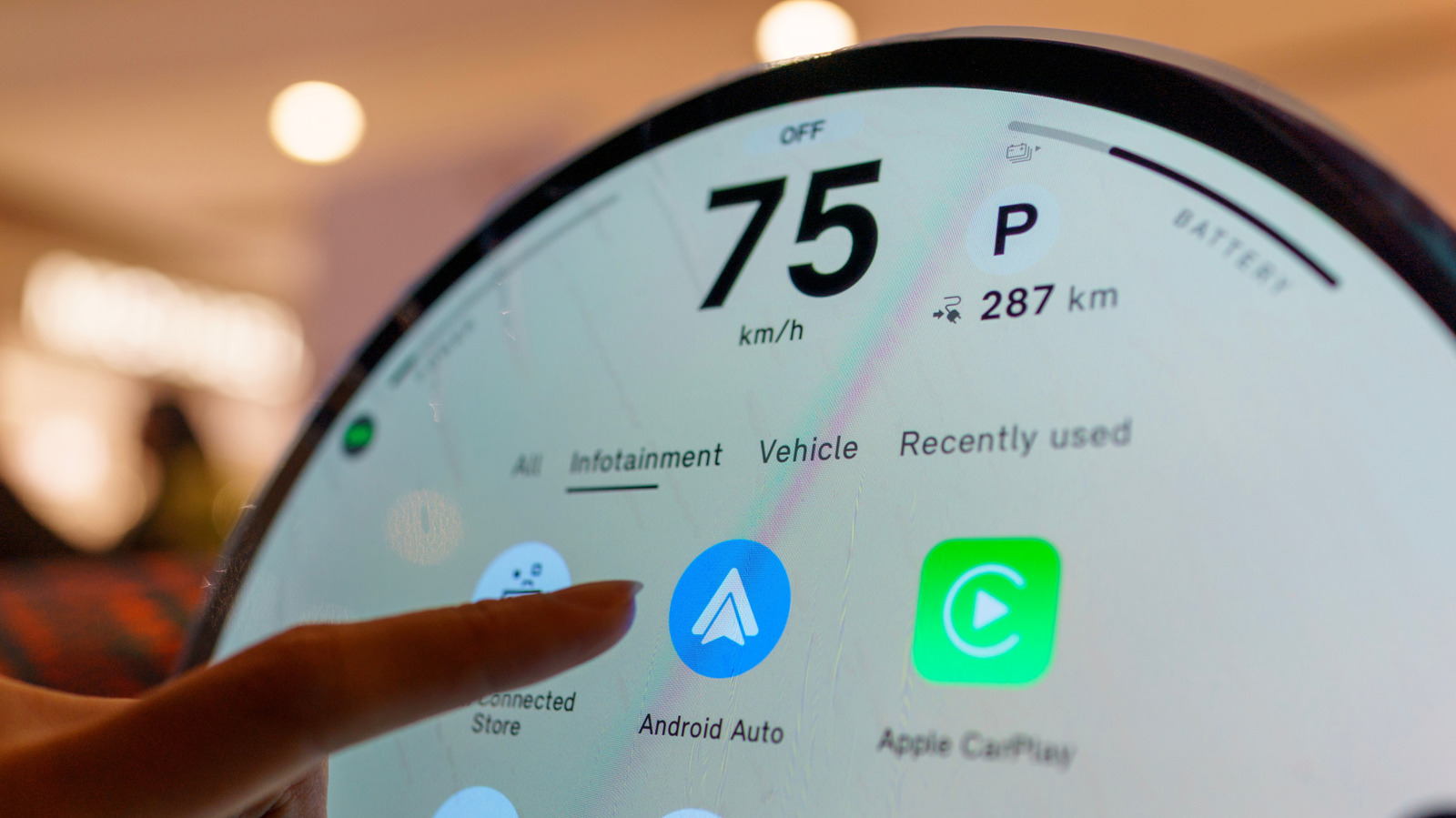
If you’ve already tried updating your phone, the car’s software might be the issue. One problem with Android Auto can be fixed with a simple update. News EVs and Transportation One problem with Android Auto can be fixed with a simple update Your phone isn’t the only device that may need an update when Android Auto starts acting up.
You inspect the cable, restart the device, forget the car, reconnect it and make sure Android Auto is up to date. If all that fails, however, the software that requires attention might be in the dashboard. Your car’s infotainment system also has software, and if it’s out of date, it can cause Android Auto connection problems.
Google advises users to restart the infotainment system and, if the receiver is an aftermarket Pioneer or Kenwood unit, to visit the manufacturer’s website and check for a firmware update. Android Auto relies on the phone and car working correctly, and if you just focus on the phone, you may be missing half the equation. If none of the above has worked, including changing cables, reconnecting the phone or restarting the phone, then the car’s software is another area to consider.
Your car might need an update as well Jovannig/Getty Images Automakers have been sending out infotainment updates that can improve Android Auto, and Hyundai’s February 2026 infotainment update for ccNC-equipped cars in Europe included improved wireless Android Auto and Apple CarPlay connectivity, quicker reconnection if the phone goes unresponsive and automatic restoration after a restart.
Discover more from ChuckysCarnage
Subscribe to get the latest posts sent to your email.

